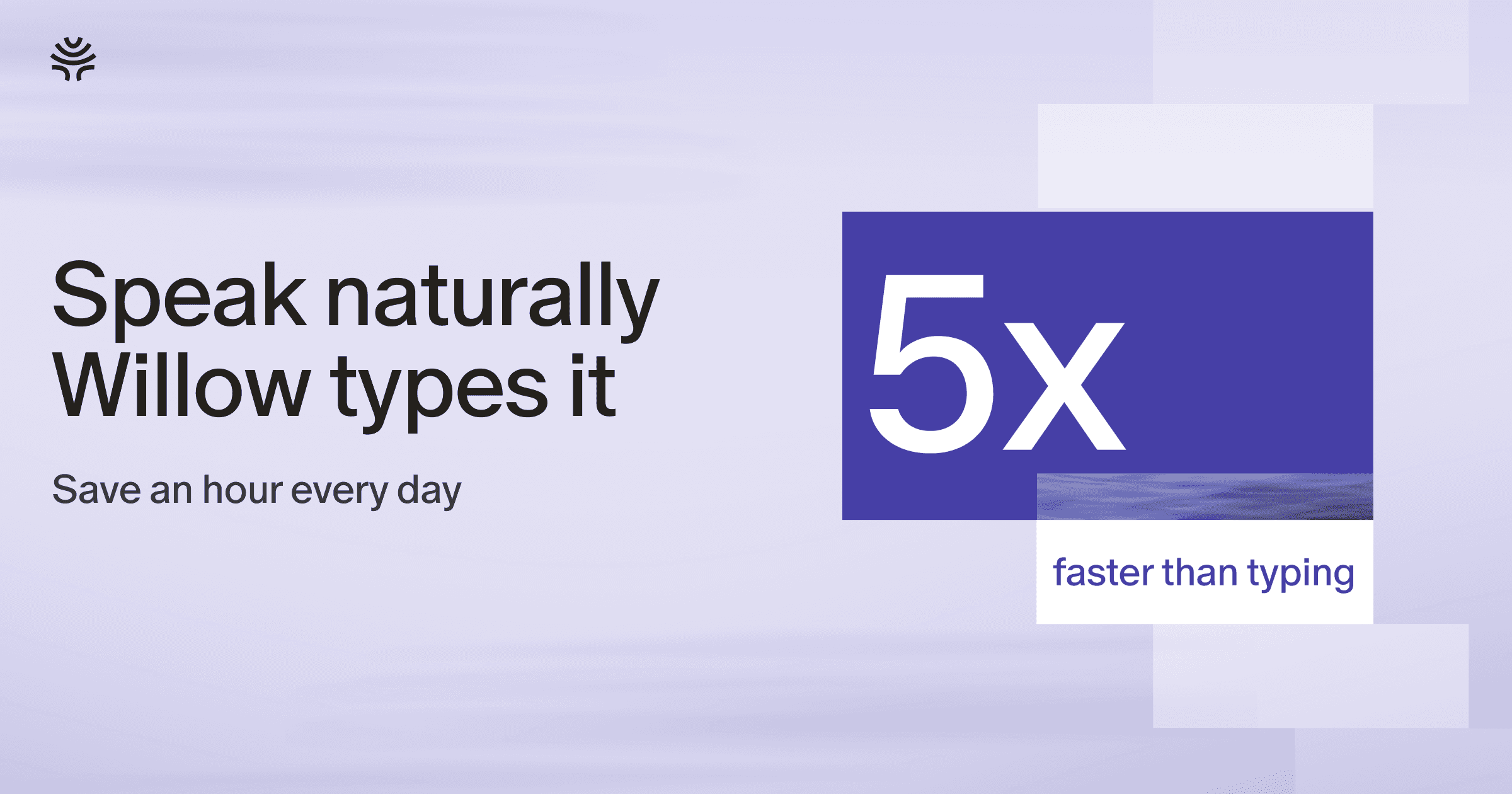
Willow Voice
VerifiedWillow Voice is an AI voice dictation tool for Mac, Windows, and iPhone that turns spoken words into polished, formatted text in any app a user can type in, including Slack, Gmail, Notion, Cursor, and iMessage. Users press a hotkey, speak naturally, and Willow removes filler words, adds punctuation, and formats the output to match the user's own writing style, so no manual editing is needed. It's designed for founders, writers, developers, sales and support teams, and other professionals who think faster than they can type. Willow learns a user's vocabulary, tone per app, and shortcuts over time, and supports dictation in over 100 languages, both online and offline.
Willow Voice at a glance
- What it is
- Willow Voice is an AI voice dictation tool for Mac, Windows, and iPhone that turns spoken words into polished, formatted text in any app a user can type in, including Slack, Gmail, Notion, Cursor, and iMessage.
- Who it's for
- Aimed at makers and small teams exploring the Voice & Speech AI category.
- Primary use case
- Willow is an AI voice dictation tool that turns natural speech into polished text in any app.
- CategoryVoice & Speech AI
- PricingFree Tier
- Starting priceFree, paid plans available
- Credit cardNo credit card required
- Bring your own keyNot supported
- RatingNo reviews yet. Be the first to rate.
Video Spot
Overview
Willow Voice is an AI voice dictation tool for Mac, Windows, and iPhone that turns spoken words into polished, formatted text in any app a user can type in, including Slack, Gmail, Notion, Cursor, and iMessage. Users press a hotkey, speak naturally, and Willow removes filler words, adds punctuation, and formats the output to match the user's own writing style, so no manual editing is needed. It's designed for founders, writers, developers, sales and support teams, and other professionals who think faster than they can type. Willow learns a user's vocabulary, tone per app, and shortcuts over time, and supports dictation in over 100 languages, both online and offline.
Willow is an AI voice dictation tool that turns natural speech into polished text in any app. Instead of typing, you just talk, and Willow cleans up filler words, fixes punctuation and formatting, and matches your writing style so the result reads like you wrote it. It helps your team move faster through emails, Slack messages, documents, notes, and AI prompts without spending all day typing. Willow works anywhere you can type, with a simple hotkey, and runs on Mac, Windows, and iPhone. It is built for founders, writers, sales and support teams, and anyone who thinks faster than they type. Get 3 months of Willow Pro free: click the link, download Willow and sign up, then enter code WILLOWMP3.
In detail
Willow Voice is an AI dictation application built for Mac, Windows, and iPhone that converts spoken language into finished, formatted text inside any app where a user can type, such as Slack, Gmail, Notion, Cursor, or iMessage. Rather than typing, users click into a text field, hold a hotkey, and speak naturally. Willow then strips out filler words, inserts punctuation, and formats the text to match the user's own writing style, producing a result that reads as if it were typed and edited by hand.
The tool is aimed at people whose thinking outpaces their typing speed, including founders, writers, developers, sales teams, customer support staff, and other professionals who regularly write emails, messages, documents, and AI prompts. It is also positioned for use cases like prompting AI tools more naturally and unblocking writing tasks by speaking ideas instead of typing them out.
Willow works by capturing speech with near-instant response (under 200ms) and using context awareness to recognize names, technical terms, and tone, so the output requires little to no manual cleanup. It also includes an auto-learning dictionary that remembers names, product terms, and abbreviations, plus a shortcuts feature that lets users save and instantly insert frequently used phrases with a simple command. For developers, Willow can read code context so that file names, variables, and functions are transcribed correctly.
What sets Willow apart is its combination of speed, personalization, and flexibility: it supports over 100 languages, works across Mac, Windows, and iPhone, can function offline using on-device processing, and adapts its tone per app based on how the user actually writes. It is also built with security considerations in mind, stating SOC 2 Type II and HIPAA compliance along with zero retention and encryption.
Overall, Willow Voice positions itself as a faster alternative to typing for everyday communication and writing tasks, letting users speak naturally while it handles formatting, punctuation, and style matching behind the scenes.
Common uses
- Writing emails, Slack messages, and replies by speaking instead of typing
- Drafting documents and notes through voice dictation in apps like Notion
- Prompting AI tools more naturally by speaking prompts instead of typing them
- Dictating code-related text or comments with correct file names and variables in developer tools
- Communicating quickly across messaging apps like iMessage while on the go
- Dictating text on an iPhone or other mobile device while away from a desk
Pros
- Works across Mac, Windows, and iPhone in any app where a user can type
- Removes filler words and formats text automatically, reducing manual editing
- Learns a user's vocabulary, tone, and shortcuts over time for more accurate results
- Supports over 100 languages and offers an offline mode
- States SOC 2 Type II and HIPAA compliance for data handling
Cons
- No Android support is currently available, only a waitlist is offered
- Pricing details such as plan tiers and exact costs are not stated on the pages reviewed
- Relies on a hotkey workflow, which may require an adjustment period for new users
- Offline mode and developer context features may be less relevant to casual users
Generated from the listing's details and not yet checked by a Zoipi editor.
Key Features
- Context-aware dictation: recognizes names, terms, tone, and formatting to produce accurate text
- Auto-learning dictionary: remembers names, product terms, and abbreviations over time
- Shortcuts: save frequently used phrases and insert them instantly with a command
- Personal style matching: dictated text sounds like the user's own writing, not robotic
- Multi-language support: dictate in over 100 languages and switch anytime
- Offline mode: dictate without an internet connection, powered by the device
- Developer integration: reads code context so file names, variables, and functions transcribe correctly
- Security: built with SOC 2 Type II and HIPAA compliance, zero retention, and encryption
Best For
- Specialists who want a dedicated voice & speech ai tool rather than a general assistant
- Anyone testing the space without an upfront budget
Pricing Model
Free Tier. Generous ongoing free tier you can start with, no credit card needed. Paid plans unlock higher limits.
Pricing Breakdown
Screenshots
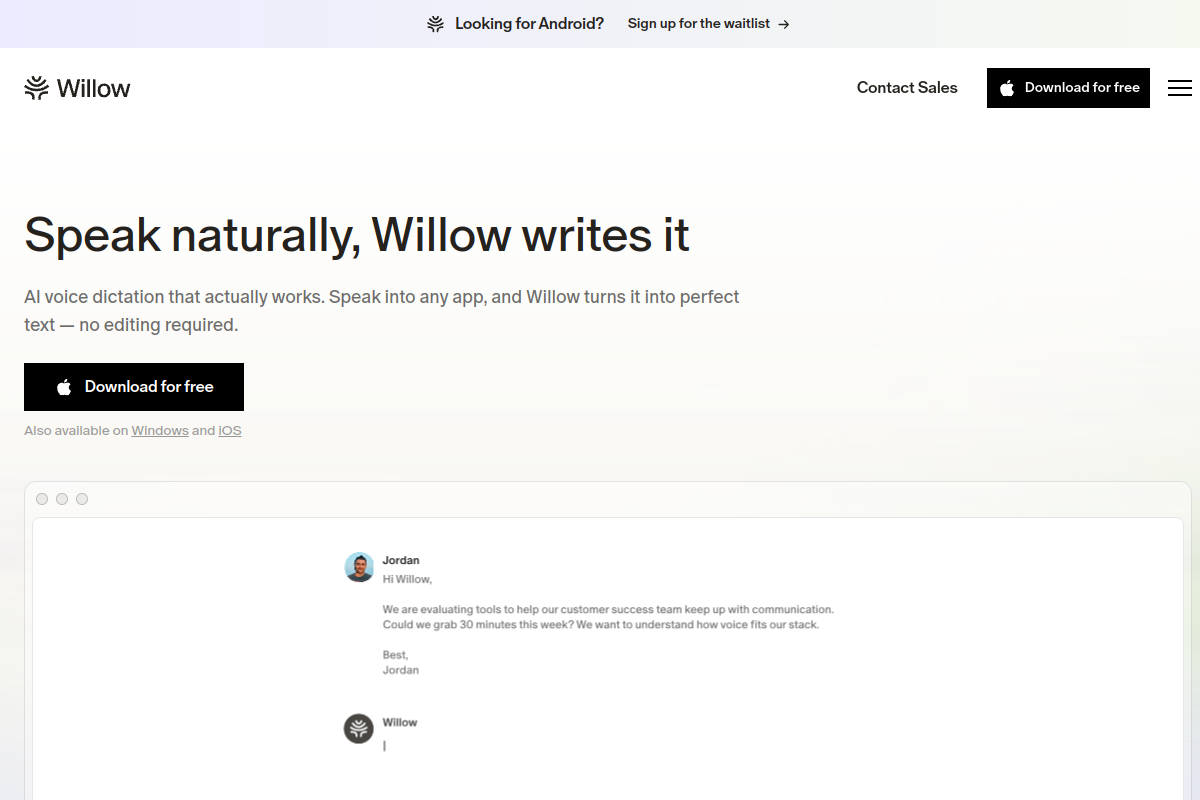
Live preview of Willow Voice's website.
Frequently asked questions
Community Reviews & Discussion
0 reviews · replies are moderated before they appear.
- No reviews yet — be the first to review Willow Voice.