Willow Voice vs Altered: Which AI Tool is Better in 2026?

Willow Voice is built for voice & speech ai users on a free tier plan, while Altered targets voice & speech ai workflows on a free tier model — here's how they stack up feature by feature.

Share
Willow Voice compared with Altered
ComparisonWillow VoiceAltered
Pricing & free tierFreemiumFreemium
Starting priceExact starting price not recordedFree, paid plans available
Free trial / creditsA 3-month free trial of Willow Pro is available via a referral link by downloading the app, signing up, and entering a pExact allowance not recorded
Credit card requiredNo credit card requiredNo credit card required
Foundation modelNot specified in the listingWhisper
BYOK / platform control
Locked
Locked
Category & tagsVoice & Speech AIVoice & Speech AI
Core features & strengths
  • Context-aware dictation: recognizes names, terms, tone, and formatting to produce accurate text
  • Auto-learning dictionary: remembers names, product terms, and abbreviations over time
  • Shortcuts: save frequently used phrases and insert them instantly with a command
  • Personal style matching: dictated text sounds like the user's own writing, not robotic
  • Speech-To-Speech Voice Morphing: changes a recorded voice to another voice while preserving rhythm, tone and delivery
  • Real-Time Pro: low-latency voice changer for live voice and video calls using only 1-4 CPU cores
  • Voice Cloning: replicate a voice from just a few seconds of recording
  • Prime Text-to-Speech: natural-sounding AI narration as an alternative to robotic TTS
Community rating0.0(0)4.5(0)
Get startedVisit Willow Voice Visit Altered

The Verdict: Which Should You Choose?

👉 Choose Willow Voice if you need…

  • Specialists who want a dedicated voice & speech ai tool rather than a general assistant
  • Anyone testing the space without an upfront budget
Try Willow Voice

👉 Choose Altered if you need…

  • Specialists who want a dedicated voice & speech ai tool rather than a general assistant
  • Anyone testing the space without an upfront budget
  • Buyers who want a highly rated, well-established option
Try Altered

Detailed tool breakdown

Willow Voice

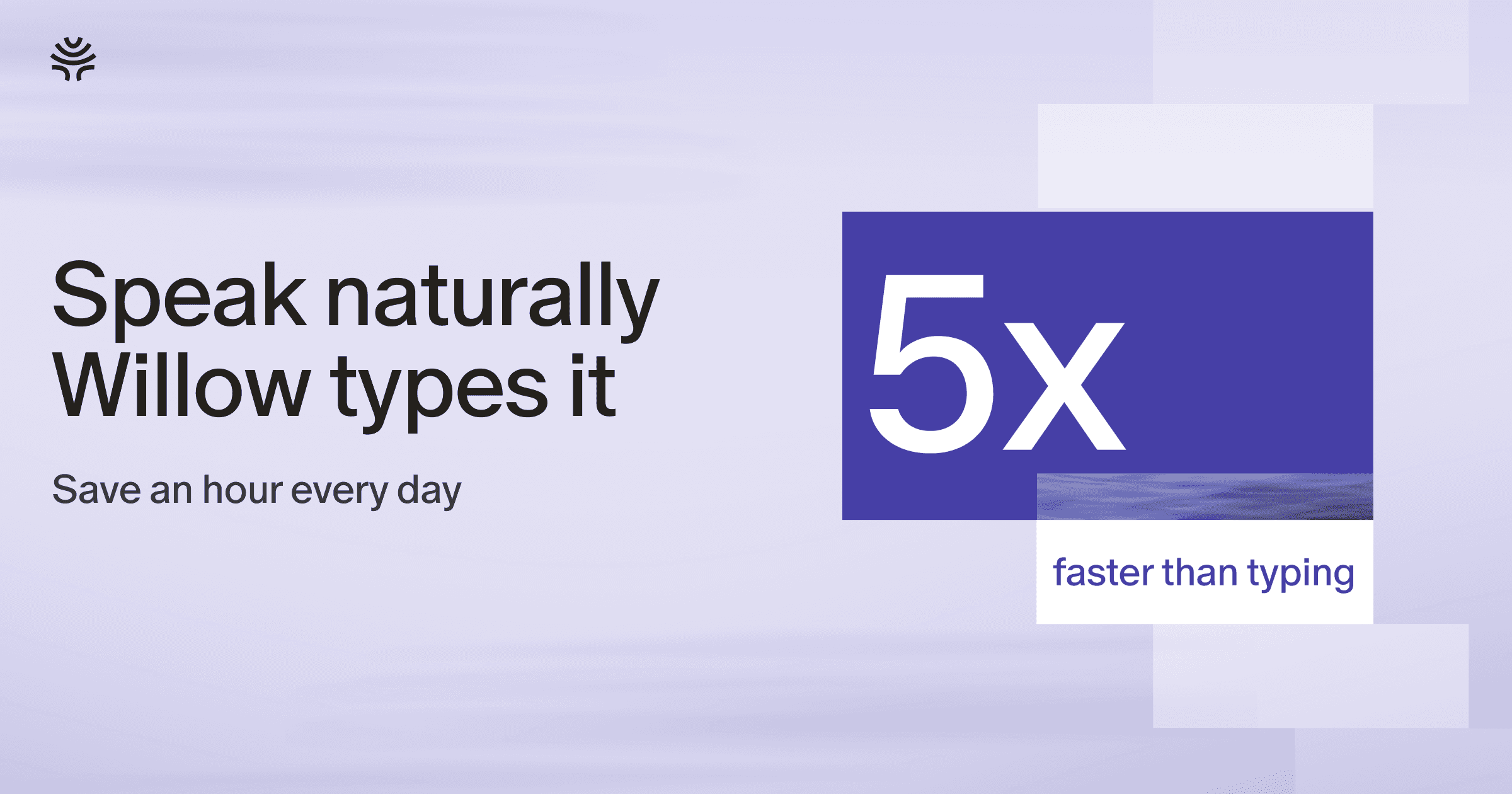
Willow Voice is an AI voice dictation tool for Mac, Windows, and iPhone that turns spoken words into polished, formatted text in any app a user can type in, including Slack, Gmail, Notion, Cursor, and iMessage. Users press a hotkey, speak naturally, and Willow removes filler words, adds punctuation, and formats the output to match the user's own writing style, so no manual editing is needed. It's designed for founders, writers, developers, sales and support teams, and other professionals who think faster than they can type. Willow learns a user's vocabulary, tone per app, and shortcuts over time, and supports dictation in over 100 languages, both online and offline.

Core use case & workflow

  • Willow is an AI voice dictation tool that turns natural speech into polished text in any app. Instead of typing, you just talk, and Willow cleans up filler words, fixes punctuation and formatting, and matches your writing style so the result reads like you wrote it. It helps your team move faster through emails, Slack messages, documents, notes, and AI prompts without spending all day typing. Willow works anywhere you can type, with a simple hotkey, and runs on Mac, Windows, and iPhone. It is built for founders, writers, sales and support teams, and anyone who thinks faster than they type. Get 3 months of Willow Pro free: click the link, download Willow and sign up, then enter code WILLOWMP3.
  • Context-aware dictation: recognizes names, terms, tone, and formatting to produce accurate text
  • Auto-learning dictionary: remembers names, product terms, and abbreviations over time
  • Shortcuts: save frequently used phrases and insert them instantly with a command
  • Personal style matching: dictated text sounds like the user's own writing, not robotic
  • Multi-language support: dictate in over 100 languages and switch anytime
  • Offline mode: dictate without an internet connection, powered by the device
  • Developer integration: reads code context so file names, variables, and functions transcribe correctly
  • Security: built with SOC 2 Type II and HIPAA compliance, zero retention, and encryption

Listed specifications & control

  • Primary category: Voice & Speech AI.
  • The listing does not specify the foundation model; no model version is assumed here.
  • Managed platform: the listing reports no support for bringing your own API key.

Strengths in context

  • No separate strengths have been documented for this listing. Use the stated features above as a test checklist rather than treating an undocumented capability as a benefit.

Limitations & practical checks

  • No specific limitations are recorded for this tool. This is not evidence that it has none: test the output quality, export options and usage limits against your actual task.

Pricing realities

  • Directory pricing classification: Freemium. This label alone does not establish an exact allowance or subscription price.
  • An exact starting price is not recorded; no dollar amount has been estimated.
  • Listed free access or trial: A 3-month free trial of Willow Pro is available via a referral link by downloading the app, signing up, and entering a p.
  • The listing states that no credit card is required.

Altered

Altered is a voice AI platform offering two main products: Altered Studio, a voice content creation tool for media production, and Real-Time Pro, a low-latency voice changer for live calls and gaming. It uses Speech-To-Speech Voice Morphing technology to let users change their voice to curated professional or common voices, clone voices, generate text-to-speech narration, and clean up recordings. It's built for content creators, voice actors, gamers, call centers, and anyone needing professional voice performances without needing to have a trained voice.

Core use case & workflow

  • Altered Studio's unique technology allows you to change your voice to any of its carefully curated AI voices to create compelling professional voice-driven performances.
  • Speech-To-Speech Voice Morphing: changes a recorded voice to another voice while preserving rhythm, tone and delivery
  • Real-Time Pro: low-latency voice changer for live voice and video calls using only 1-4 CPU cores
  • Voice Cloning: replicate a voice from just a few seconds of recording
  • Prime Text-to-Speech: natural-sounding AI narration as an alternative to robotic TTS
  • Voice Editor: edit voice within audio/video files using DSP effects plus AI tools
  • AI Voice Cleaning: removes background noise, filler words, mouth artifacts and optimizes pacing
  • Accent and identity control: adjust accent, pitch, perceived age and gender
  • Large voice library: 20 professional voices plus 800+ common voices across multiple morphing models

Listed specifications & control

  • Primary category: Voice & Speech AI.
  • Listed foundation model: Whisper. Model availability can depend on the selected plan.
  • Managed platform: the listing reports no support for bringing your own API key.

Strengths in context

  • No separate strengths have been documented for this listing. Use the stated features above as a test checklist rather than treating an undocumented capability as a benefit.

Limitations & practical checks

  • No specific limitations are recorded for this tool. This is not evidence that it has none: test the output quality, export options and usage limits against your actual task.

Pricing realities

  • Directory pricing classification: Freemium. This label alone does not establish an exact allowance or subscription price.
  • Listed starting price: Free, paid plans available. Confirm billing cadence, taxes and included usage before paying.
  • The listing does not document an exact free allowance or trial duration.
  • The listing states that no credit card is required.

How to choose for your workflow

Compare finished work, not the first response

Give both tools the same brief and source material. Judge the final deliverable after corrections: factual accuracy, editable output, and how much work remains before you can use it.

Price the complete workflow

Count retries, exports, premium models and any separate hosting or API charges. A free allowance is useful for evaluation, but it does not establish the cost of a recurring production workload.

Check control and portability

Confirm which files, project data and settings you can export. Bringing your own API key is different from owning the application code or being able to run the product independently.

Validate rights and sensitive data

Check the terms for the exact plan and feature you intend to use. Commercial permission, private projects and protection against intellectual property claims are different commitments.