
Capafy AI
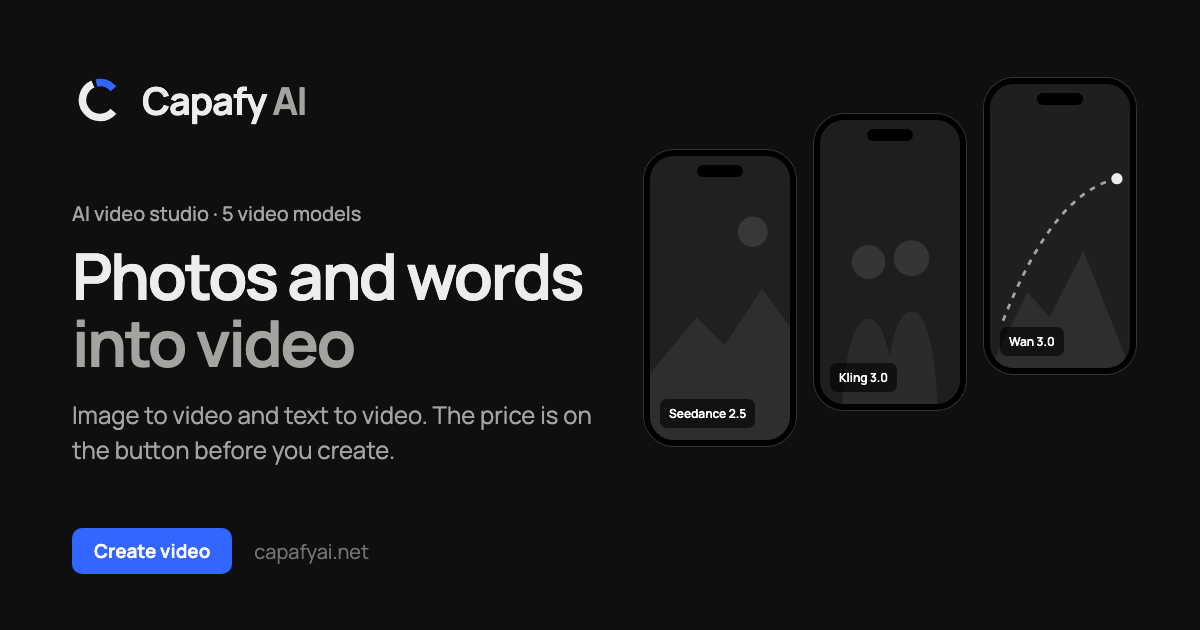
VerifiedCapafy AI is an online AI video studio that turns photos, prompts, or existing video clips into new videos. Users can upload 1 to 9 photos, write a text prompt describing a scene, or upload their own MP4 or MOV clip and specify changes such as swapping a person, outfit, product, or setting while keeping the original camera moves and timing. It offers 5 AI models (Seedance 2.5, Seedance 2.0, Kling 3.0, Wan 3.0, MiniMax H3), adjustable aspect ratio, length from 2 to 30 seconds, and resolution up to 4K. The tool is aimed at creators, marketers, and anyone wanting to recreate trending video formats with their own photos or products. It shows the credit cost before rendering and refunds credits for failed renders.
Capafy AI at a glance
- What it is
- Capafy AI is an online AI video studio that turns photos, prompts, or existing video clips into new videos.
- Who it's for
- Aimed at makers and small teams exploring the AI Video Generators category.
- Primary use case
- Capafy AI is an online AI video studio at capafyai.net that turns photos or words into video.
- CategoryAI Video Generators
- PricingFree Tier
- Starting price$14.99
- Credit cardNo credit card required
- Bring your own keyNot supported
- RatingNo reviews yet. Be the first to rate.
Video Spot
Overview
Capafy AI is an online AI video studio that turns photos, prompts, or existing video clips into new videos. Users can upload 1 to 9 photos, write a text prompt describing a scene, or upload their own MP4 or MOV clip and specify changes such as swapping a person, outfit, product, or setting while keeping the original camera moves and timing. It offers 5 AI models (Seedance 2.5, Seedance 2.0, Kling 3.0, Wan 3.0, MiniMax H3), adjustable aspect ratio, length from 2 to 30 seconds, and resolution up to 4K. The tool is aimed at creators, marketers, and anyone wanting to recreate trending video formats with their own photos or products. It shows the credit cost before rendering and refunds credits for failed renders.
Capafy AI is an online AI video studio at capafyai.net that turns photos or words into video. Upload 1 to 9 JPG, PNG or WebP photos, or describe a scene in up to 2,000 characters. Choose from 5 models (Seedance 2.5, Seedance 2.0, Kling 3.0, Wan 3.0 and MiniMax H3), pick a ratio, a length from 2 to 30 seconds and up to 4K resolution, and the button shows the exact credit cost before anything renders. Most clips are ready in 4 to 6 minutes and download as MP4. Failed renders refund their credits. Pay once with credit packs from $14.99; no subscription.
In detail
Capafy AI is a browser-based AI video studio at capafyai.net. It lets users generate videos from photos, from text prompts, or by recreating an existing video clip with new people, outfits, products, or backgrounds. The core idea is the Clone Cut feature: upload a video, add up to 9 photos, and optionally describe what should change (for example swapping a person or a product), and the tool produces a new version while keeping the original camera moves, cuts, and timing intact.
The tool is built for creators, marketers, and everyday users who want to put themselves, their product, or a chosen look into a trending or existing video format without filming it themselves. It also supports pure image-to-video and text-to-video generation, along with a library of trending video templates to start from, a tool that analyzes a video and writes prompts describing it, and a video-to-prompt feature that generates prompts per shot.
Under the hood, Capafy AI offers 5 selectable AI models (Seedance 2.5, Seedance 2.0, Kling 3.0, Wan 3.0, and MiniMax H3), each with different costs and capabilities. Users choose a ratio, a length between 2 and 30 seconds, and a resolution up to 4K, and the interface shows the exact credit cost before anything renders. Most videos finish rendering in about 4 to 6 minutes and download as MP4 files; if a render fails, its credits are automatically refunded to the user's balance.
What differentiates Capafy AI is its one-time, pay-as-you-go pricing model: there is no subscription, and users buy credit packs (starting at $14.99) that remain valid for 2 years. A single shared credit balance covers all 5 video models and additional image models, with each request's cost shown upfront based on model, length, and resolution. The tool also requires users to confirm they have rights to use any photos or clips they upload, given the privacy and image-rights issues involved in putting real people into AI-generated videos.
Capafy AI is an independent product and has no connection to capafy.ai, a different site with Agent Skills marketplace offerings.
Common uses
- Recreating a trending or viral video format using your own photo in place of the original person
- Showing your own product in a video format that has already proven to work, by swapping it into an existing clip
- Changing the outfit or setting of an existing video clip without reshooting it
- Generating a new video directly from a text prompt or a set of photos
- Creating a self-starring video by swapping yourself into a template using one photo
- Analyzing an existing video to generate shot-by-shot prompts
Pros
- No subscription required; credits are bought once and stay valid for 2 years
- Shows the exact credit cost before rendering so there are no surprises
- Automatically refunds credits for failed renders
- Offers a choice of 5 different AI video models with varying quality and cost
- Supports multiple input types: photos, text prompts, and existing video clips
Cons
- No free trial, only a single one-time 2-second low-resolution preview per account
- All full videos and images require paid credits, so there is no ongoing free tier
- Higher resolutions, longer clips, and certain models consume credits much faster, which can get expensive for frequent use
- Requires uploading real photos of people and confirming usage rights, which may be a barrier for some use cases
Generated from the listing's details and not yet checked by a Zoipi editor.
Key Features
- Clone Cut: recreate an uploaded video with new people, outfits, products, or settings while keeping original camera moves and timing
- Multiple AI models: choose from Seedance 2.5, Seedance 2.0, Kling 3.0, Wan 3.0, and MiniMax H3
- Photo and prompt input: generate video from 1-9 photos or a text prompt up to 2,000-20,000 characters depending on model
- Upfront pricing: credit cost for each video is shown on the button before rendering
- Failed render refunds: credits are automatically returned if a render fails
- Trending templates: start from one of several trending video formats instead of uploading your own clip
- Video to prompt tool: generates a written prompt describing an uploaded video, shot by shot
- Adjustable output settings: ratio, length from 2 to 30 seconds, and resolution up to 4K
Best For
- Solo builders and small teams handling ai video generators in-house
- Anyone testing the space without an upfront budget
Pricing Model
Free Tier. Generous ongoing free tier you can start with, no credit card needed. Paid plans unlock higher limits.
Pricing Breakdown
Screenshots
Live preview of Capafy AI's website.
Frequently asked questions
Community Reviews & Discussion
0 reviews · replies are moderated before they appear.
- No reviews yet — be the first to review Capafy AI.