Runway
VerifiedCinematic text and image to video generation.
Runway at a glance
- What it is
- Cinematic text and image to video generation.
- Who it's for
- Worth a look if projects involving Text-to-Video come up often in your week.
- Primary use case
- Runway Gen-3 turns prompts or stills into short cinematic clips with camera controls, motion brush and a full timeline editor around it.
- CategoryAI Video Generators, Data Analysis & BI Dashboards
- PricingFree Tier
- Starting priceFree, paid plans available
- Credit cardNo credit card required
- Foundation modelGen-3 Alpha
- Bring your own keyNot supported
- RatingNo reviews yet. Be the first to rate.
Video Spot
Overview
Cinematic text and image to video generation.
Runway Gen-3 turns prompts or stills into short cinematic clips with camera controls, motion brush and a full timeline editor around it.
In detail
Runway is an AI video generation tool that turns text prompts or still images into short cinematic video clips. It is built around a model called Gen-3, which supports camera controls and a motion brush for directing movement within a scene, along with a timeline editor for assembling and refining clips. It is aimed at creators, filmmakers and designers who want to produce video content without traditional filming or animation workflows.
The tool works by generating short clips from a prompt or an uploaded image, which users can then adjust using the built-in editing tools. What sets it apart, based on available information, is the combination of generative video output with editing controls in one workspace, rather than just producing raw clips. It offers a free tier along with paid plans for users who need more output or features.
Common uses
- Creating short cinematic video clips from text descriptions
- Animating still images into video
- Prototyping video concepts before full production
- Generating video content for social media or marketing
Pros
- Free tier available before committing to a paid plan
- Combines generation with editing tools in one place
- Offers specific motion control features like camera controls and motion brush
Cons
- Limited to short clip generation rather than full-length video
- Advanced features likely require a paid plan
- Detailed pricing tiers are not specified
Generated from the listing's details and not yet checked by a Zoipi editor.
Key Features
- Text to video: generate short clips from written prompts
- Image to video: turn still images into motion clips
- Camera controls: direct virtual camera movement in generated scenes
- Motion brush: control which parts of a scene move
- Timeline editor: assemble and refine generated clips
Best For
- People who want to spend less time on repetitive steps
- Teams focused on Text-to-Video
- Anyone testing the space without an upfront budget
- Buyers who want a highly rated, well-established option
Pricing Model
Free Tier. Generous ongoing free tier you can start with, no credit card needed. Paid plans unlock higher limits.
Pricing Breakdown
Screenshots
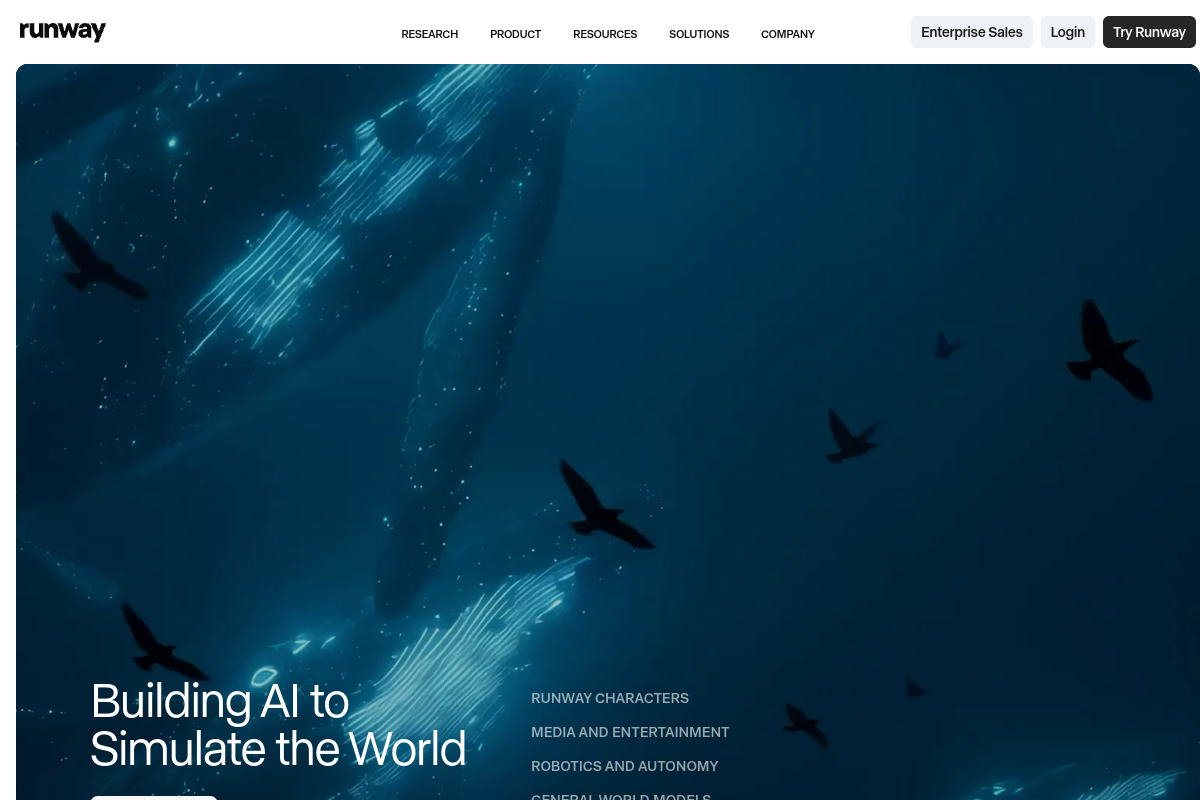
Live preview of Runway's website.
Frequently asked questions
Community Reviews & Discussion
0 reviews · replies are moderated before they appear.
- No reviews yet — be the first to review Runway.