Wispr Flow

Verified

Flow makes writing quick with seamless voice dictation for any application on your computer.

Visit Official Website

Wispr Flow at a glance

What it is
Flow makes writing quick with seamless voice dictation for any application on your computer.
Who it's for
Worth a look if projects involving AI Image & Art come up often in your week.
Primary use case
Common uses range from one-off experiments to repeatable production work in the AI Image & Art space.
  • CategoryAI Image & Art
  • PricingFree Tier
  • Starting priceFree, paid plans available
  • Credit cardNo credit card required
  • Foundation modelStable Diffusion
  • Bring your own keyNot supported
  • RatingNo reviews yet. Be the first to rate.

Video Spot

Wispr Flow official demo and tutorial video. Watch it above to see the tool in action before you try it.

Overview

Flow makes writing quick with seamless voice dictation for any application on your computer.

Pros

  • Actively developed and widely used

Cons

  • Feature set changes quickly

In detail

Wispr Flow is a voice dictation tool designed to make writing quicker across applications on your computer. It lets you speak what you want to write rather than type it, bringing voice input into the apps where you already work. Its described focus is writing assistance, rather than image or art creation.

It can help people who prefer speaking to typing when drafting emails, notes, documents, or other everyday text. The appeal is a straightforward way to put thoughts into words without making the keyboard the center of the writing process.

Common uses

  • Draft emails by speaking instead of typing.
  • Capture ideas and notes in your preferred application.
  • Dictate first drafts of documents.
  • Compose everyday messages using voice input.
  • Use spoken input for text tasks across computer apps.

Pros

  • Designed to speed up everyday writing.
  • Brings voice dictation into existing applications.
  • Offers an alternative to keyboard-based text entry.
  • Useful across a range of text-writing tasks.

Cons

  • Speaking aloud may not suit quiet or shared spaces.
  • Supported operating systems and languages are not specified.
  • No image or art creation features are described.

Generated from the listing's details and not yet checked by a Zoipi editor.

Key Features

  • Flow makes writing quick with seamless voice dictation for any application on your computer
  • Dedicated ai image & art workspace
  • Browser-based, nothing to install

Best For

  • People who spend real hours each week on ai image & art
  • Anyone testing the space without an upfront budget

Pricing Model

Free Tier. Generous ongoing free tier you can start with, no credit card needed. Paid plans unlock higher limits.

Pricing Breakdown

Starting price
Free, paid plans available
Free trial / credits
Ongoing free tier, no time limit
Credit card
No credit card required
Free Tier (No CC)

Screenshots

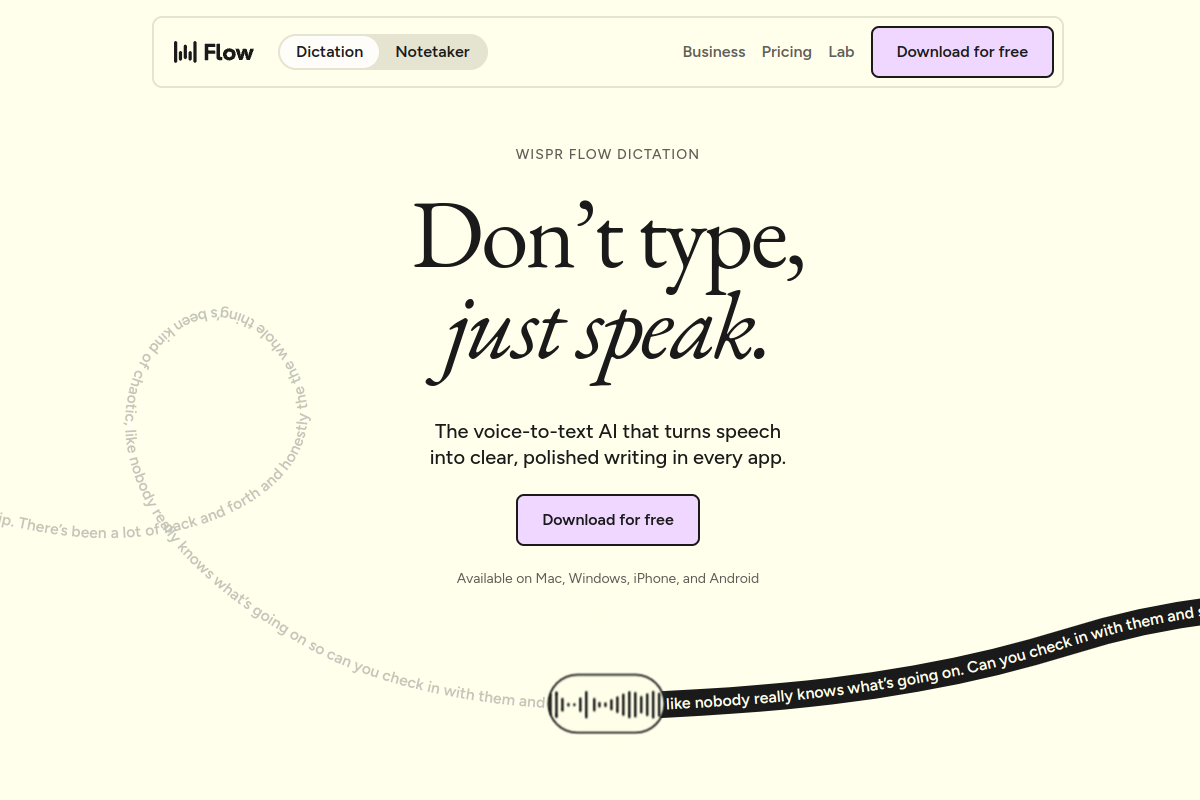
Live preview of Wispr Flow's website.
Frequently asked questions

Flow makes writing quick with seamless voice dictation for any application on your computer. It is listed under AI Image & Art on ZOIPI AI.

Community Reviews & Discussion

0 reviews Β· replies are moderated before they appear.

  • No reviews yet β€” be the first to review Wispr Flow.