Tiller logo

Tiller

Verified

Only Tiller automatically tracks your daily spending, balances, and budgets in Google Sheets and Excel with flexible templates and top-rated support.

Visit Official Website

Tiller at a glance

What it is
Only Tiller automatically tracks your daily spending, balances, and budgets in Google Sheets and Excel with flexible templates and top-rated support.
Who it's for
Aimed at makers and small teams exploring the Spreadsheet & Excel AI Assistants category.
Primary use case
Common uses range from one-off experiments to repeatable production work in the Spreadsheet & Excel AI Assistants space.
  • CategorySpreadsheet & Excel AI Assistants
  • PricingFree Tier
  • Starting priceFree, paid plans available
  • Credit cardNo credit card required
  • Foundation modelGPT-4o
  • Bring your own keyNot supported
  • RatingNo reviews yet. Be the first to rate.

Video Spot

No creator video yet. “Stop Getting Lost in the AI Labyrinth” — the official Zoipi platform showcase.

Overview

Only Tiller automatically tracks your daily spending, balances, and budgets in Google Sheets and Excel with flexible templates and top-rated support.

Pros

  • Actively developed and widely used

Cons

  • Feature set changes quickly

In detail

Tiller automatically tracks daily spending, balances, and budgets in Google Sheets and Excel. It brings financial tracking into a spreadsheet workflow, helping people who prefer to manage their money in familiar tools rather than move to a separate budgeting interface.

With flexible templates and support, Tiller helps users organize their finances while retaining the adaptability of spreadsheets. It is a fit for people who want ongoing spending and balance tracking alongside budgets they can shape around their own needs.

Common uses

  • Track daily spending in Google Sheets or Excel
  • Monitor balances alongside budget information
  • Maintain a personal budget in a spreadsheet
  • Use flexible templates to organize financial tracking

Pros

  • Automatic spending, balance, and budget tracking
  • Works with both Google Sheets and Excel
  • Flexible templates for different budgeting needs
  • Support is highlighted as a core offering

Cons

  • Requires comfort working with spreadsheets
  • AI-specific capabilities are not described
  • Supported financial sources are not specified

Generated from the listing's details and not yet checked by a Zoipi editor.

Key Features

  • Only Tiller automatically tracks your daily spending, balances, and budgets in Google Sheets and Excel with flexible templates and top-rated support
  • Streamlined spreadsheet & excel ai assistants workflow
  • Runs in the browser

Best For

  • Solo builders and small teams handling spreadsheet & excel ai assistants in-house
  • Anyone testing the space without an upfront budget
  • Buyers who want a highly rated, well-established option

Pricing Model

Free Tier. Generous ongoing free tier you can start with, no credit card needed. Paid plans unlock higher limits.

Pricing Breakdown

Starting price
Free, paid plans available
Free trial / credits
Ongoing free tier, no time limit
Credit card
No credit card required
Free Tier (No CC)

Screenshots

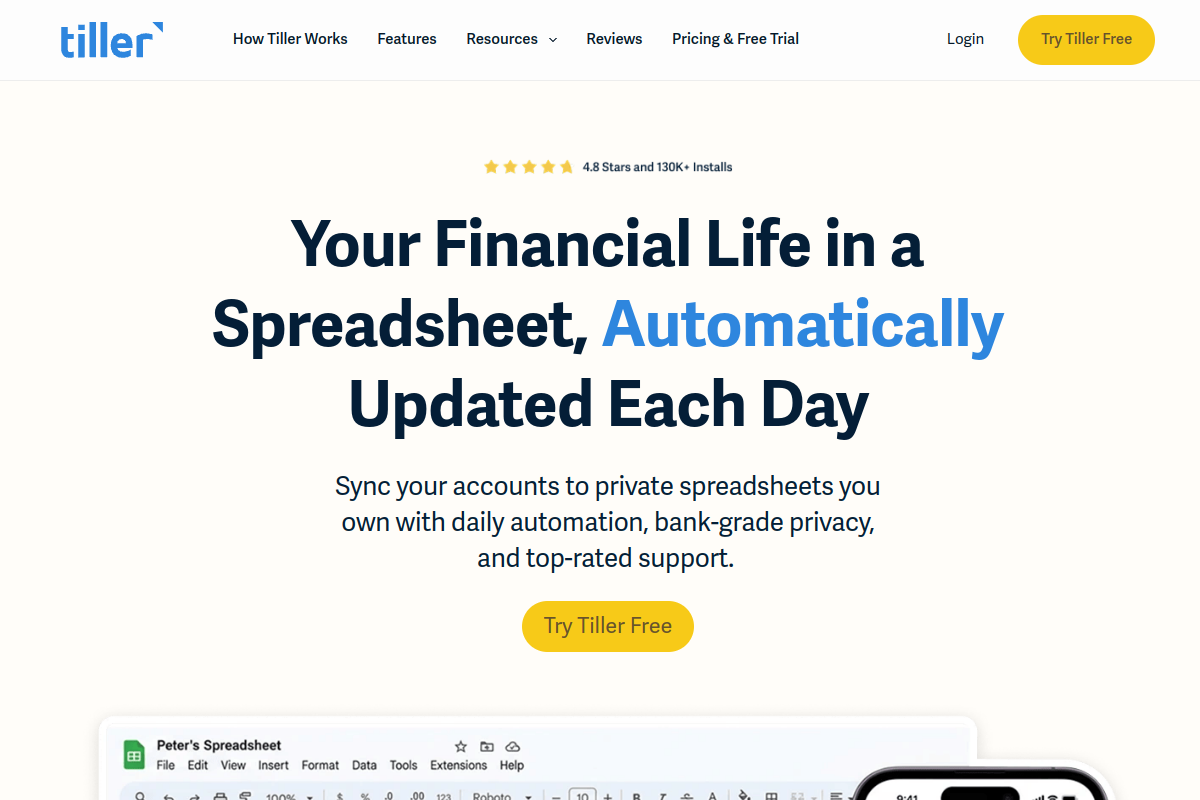
Live preview of Tiller's website.
Frequently asked questions

Only Tiller automatically tracks your daily spending, balances, and budgets in Google Sheets and Excel with flexible templates and top-rated support. It is listed under Spreadsheet & Excel AI Assistants on ZOIPI AI.

Community Reviews & Discussion

0 reviews · replies are moderated before they appear.

  • No reviews yet — be the first to review Tiller.