
Save Gmail Emails as PDF in Bulk
VerifiedSave Gmail Emails as PDF in Bulk is a Chrome and Edge browser extension that adds PDF and Print buttons directly to Gmail's toolbar, letting users convert emails into PDF files individually or in bulk. Users can export by label, sender, or search result, with each conversation saved as its own PDF and attachments bundled in a zip, or merge up to 50 selected emails into a single PDF for saving or printing in one job. All processing happens locally in the browser, so nothing is uploaded to external servers. It is aimed at legal, finance, HR, real estate, healthcare, and freelance professionals who need clean records for audits, discovery, or client files.
Save Gmail Emails as PDF in Bulk at a glance
- What it is
- Save Gmail Emails as PDF in Bulk is a Chrome and Edge browser extension that adds PDF and Print buttons directly to Gmail's toolbar, letting users convert emails into PDF files individually or in bulk.
- Who it's for
- Aimed at makers and small teams exploring the Workflow Automation category.
- Primary use case
- Save Gmail Emails as PDF in Bulk is a Chrome and Edge extension that adds PDF and Print buttons to Gmail's own toolbar.
- CategoryAutomation & Productivity
- PricingFree Tier
- Starting priceFree, paid plans available
- Credit cardNo credit card required
- Bring your own keyNot supported
- RatingNo reviews yet. Be the first to rate.
Video Spot
Overview
Save Gmail Emails as PDF in Bulk is a Chrome and Edge browser extension that adds PDF and Print buttons directly to Gmail's toolbar, letting users convert emails into PDF files individually or in bulk. Users can export by label, sender, or search result, with each conversation saved as its own PDF and attachments bundled in a zip, or merge up to 50 selected emails into a single PDF for saving or printing in one job. All processing happens locally in the browser, so nothing is uploaded to external servers. It is aimed at legal, finance, HR, real estate, healthcare, and freelance professionals who need clean records for audits, discovery, or client files.
Save Gmail Emails as PDF in Bulk is a Chrome and Edge extension that adds PDF and Print buttons to Gmail's own toolbar. Select emails, a whole label or a search result and save every conversation as its own PDF with attachments zipped alongside, or merge up to 50 conversations into one PDF to save or print. PDFs are generated locally in your browser, so no email is ever uploaded.
Bulk export: tick the emails you want, or select a label, a sender or any Gmail search result, then click PDF. Each conversation becomes a separate PDF, named by a filename template you build from date, sender and subject (the default gives names like 2026-01-15_Acme_Invoice.pdf), and attachments are saved next to each PDF in a zip with the original files intact. A progress panel shows which emails are saved, converting or waiting, and a run can be cancelled midway without losing the files already written.
Merge and print: click Print instead and the selection is merged into a single PDF, one email per page, in the order you picked them. A short summary lists what went in, then Save PDF downloads the merged file or Print now sends it to the printer as one job. Gmail itself can only print one conversation at a time. A whole thread can also be saved as one PDF with every reply in order.
Page setup: portrait or landscape, and eight paper sizes (A3, A4, A5, B4, B5, Letter, Legal and Tabloid), set once and applied to every export. Layout, fonts, inline images, headers and timestamps come through as Gmail shows them.
Privacy: the PDF is built inside the Gmail tab that is already open, on your own device. Emails and attachments never pass through our servers or anyone else's.
It works with personal Gmail and Google Workspace accounts, in Chrome (Chrome Web Store) and Microsoft Edge (Edge Add-ons) with identical features. There is no setup: after installing, the PDF and Print buttons appear the next time Gmail is opened. It is used for client files, discovery and evidence in legal work, invoices and receipts for accounting and audits, offer letters and candidate threads in HR, project sign-offs for freelancers and agencies, transaction files in real estate, claims records in healthcare and insurance, and backing up a mailbox before an account closes.
Pricing: the free trial includes every feature and 20 Gmail to PDF conversions. Pro is $4.99/month or $49.9/year for unlimited conversions with priority ticket support, cancel anytime, and every payment has a 7-day money-back guarantee. The website is available in English, Chinese, Spanish, French, Arabic, Portuguese, Japanese and Korean. It is an independent tool, not affiliated with or endorsed by Google or Gmail.
In detail
Save Gmail Emails as PDF in Bulk is a browser extension for Chrome and Edge that adds PDF and Print buttons to Gmail's own toolbar. It lets users turn selected emails, a whole label, a sender's messages, or any Gmail search result into PDF files, either as separate documents per conversation or merged into a single file for printing or saving. Everything runs locally inside the browser tab that is already open, so no email content is uploaded to any server.
The tool is built for people who need to produce clean, shareable records from Gmail: lawyers and paralegals handling discovery and client files, accountants and bookkeepers closing the books with invoices and receipts, HR teams keeping offer letters and candidate threads, freelancers documenting project sign-offs, real estate professionals filing transaction records, and healthcare or insurance workers keeping claims records. It is also useful for simply backing up a mailbox before closing an account.
In practice, a user ticks the emails they want or selects a label, sender, or search result, then clicks PDF to export each conversation as its own file (named using a customizable filename template built from date, sender and subject) with attachments saved alongside in a zip. Clicking Print instead merges the selection into a single PDF, one email per page in the chosen order, which can then be saved or sent straight to a printer as one job. A whole email thread can also be saved as a single PDF with every reply in order. Page setup options include portrait or landscape orientation and eight paper sizes (A3, A4, A5, B4, B5, Letter, Legal, Tabloid), applied consistently across exports, and formatting, fonts, inline images, and timestamps are preserved as they appear in Gmail.
What differentiates it is that it works entirely inside the existing Gmail interface, requires no setup beyond installing the extension, and keeps all processing on the user's device rather than uploading data anywhere. It works with both personal Gmail accounts and Google Workspace accounts, with identical features in Chrome and Edge. It is an independent tool and is not affiliated with or endorsed by Google or Gmail.
The free trial includes all features with 20 conversions, while the Pro plan removes that limit for unlimited conversions, with a 7-day money-back guarantee on payments.
Common uses
- Exporting client email threads and disclosure labels as evidence for legal discovery and case files
- Batch exporting invoices, receipts, and payment confirmations for accounting and tax audits
- Saving offer letters and candidate correspondence for HR and recruiting records
- Filing transaction emails for real estate deals
- Keeping claims records in healthcare and insurance work
- Backing up a Gmail mailbox before closing an account
Pros
- Runs entirely locally in the browser, so sensitive email data is never uploaded
- Works identically in both Chrome and Edge with no setup after installation
- Supports bulk export by label, sender, or search, saving time over manual printing
- Preserves original formatting, timestamps, and inline images in exported PDFs
- Keeps attachments intact and bundled alongside each PDF
Cons
- Free trial is limited to 20 conversions before requiring a paid plan
- Merge feature caps at 50 emails per job
- Only available as a browser extension for Chrome and Edge, not other browsers or platforms
- Works only with Gmail, not other email providers
Generated from the listing's details and not yet checked by a Zoipi editor.
Key Features
- Bulk export: convert emails by label, sender, or search result into separate PDFs in one click
- Merge and print: combine up to 50 selected emails into a single PDF to save or print as one job
- Attachments kept: original attachment files are zipped alongside each exported PDF
- Custom filenames: build filename templates from date, sender, and subject for organized files
- Thread export: save a whole Gmail conversation as one PDF with every reply in order
- Page setup: choose portrait or landscape orientation and eight paper sizes
- 100% local processing: PDFs are generated in the browser with nothing uploaded to servers
Best For
- Solo builders and small teams looking for a focused workflow
- Users working with Workflow Automation
- Anyone testing the space without an upfront budget
Pricing Model
Free Tier. Generous ongoing free tier you can start with, no credit card needed. Paid plans unlock higher limits.
Pricing Breakdown
Screenshots
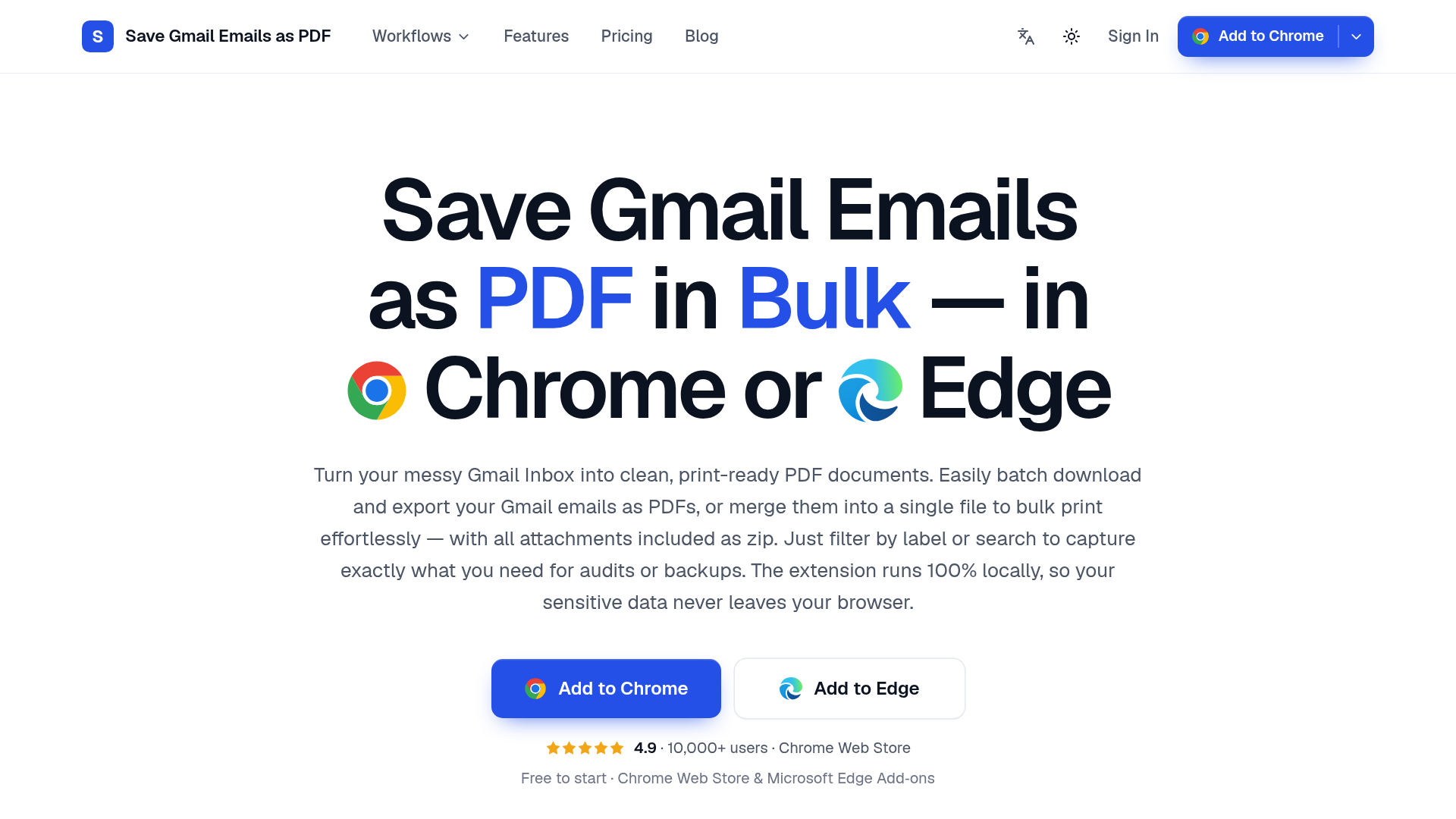
Live preview of Save Gmail Emails as PDF in Bulk's website.
Frequently asked questions
Community Reviews & Discussion
0 reviews · replies are moderated before they appear.
- No reviews yet — be the first to review Save Gmail Emails as PDF in Bulk.