Presentation Animation Clips & 3D Graphics
VerifiedGrab your audience's attention with customizable presentation animation clips and 3D graphics. Small looping visuals for slides. Export GIF for PowerPoint or ProRes with alpha for video editors. Free assets available — no sign-up required.
Presentation Animation Clips & 3D Graphics at a glance
- What it is
- Grab your audience's attention with customizable presentation animation clips and 3D graphics.
- Who it's for
- Most useful for anyone who needs results in the AI Avatar & Digital Humans area without a specialist on staff.
- Primary use case
- Small looping visuals for slides.
- CategoryAI Avatar & Digital Humans
- PricingFree Tier
- Starting priceFree, paid plans available
- Credit cardNo credit card required
- Foundation modelStable Diffusion
- Bring your own keyNot supported
- RatingNo reviews yet. Be the first to rate.
Video Spot
Overview
Grab your audience's attention with customizable presentation animation clips and 3D graphics. Small looping visuals for slides. Export GIF for PowerPoint or ProRes with alpha for video editors. Free assets available — no sign-up required.
Pros
- Actively developed and widely used
Cons
- Feature set changes quickly
In detail
Presentation Animation Clips & 3D Graphics offers customizable, small looping visuals designed to add motion to slides. It helps presenters, educators and content creators draw attention to their material with animation clips and 3D graphics that can complement a presentation’s message.
Assets can be exported as GIFs for PowerPoint or as ProRes files with alpha transparency for video editors. This makes the tool useful for both slide-based presentations and video projects that need animated overlays. Free assets are available without sign-up, offering a way to try the visuals before incorporating them into a project.
Common uses
- Add looping animations to PowerPoint slides.
- Highlight key ideas with customizable 3D graphics.
- Create animated overlays for video projects.
- Bring visual variety to lessons and training slides.
- Try free visual assets without creating an account.
Pros
- Customizable animation clips and 3D graphics.
- GIF export for PowerPoint presentations.
- ProRes export with alpha transparency for video editing.
- Free assets available without sign-up.
Cons
- Customization options are not detailed.
- Export formats beyond GIF and ProRes are not specified.
- AI avatar or digital human features are not described.
Generated from the listing's details and not yet checked by a Zoipi editor.
Key Features
- Grab your audience's attention with customizable presentation animation clips and 3D graphics
- Small looping visuals for slides
- Export GIF for PowerPoint or ProRes with alpha for video editors
Best For
- People who spend real hours each week on ai avatar & digital humans
- Anyone testing the space without an upfront budget
- Buyers who want a highly rated, well-established option
Pricing Model
Free Tier. Generous ongoing free tier you can start with, no credit card needed. Paid plans unlock higher limits.
Pricing Breakdown
Screenshots
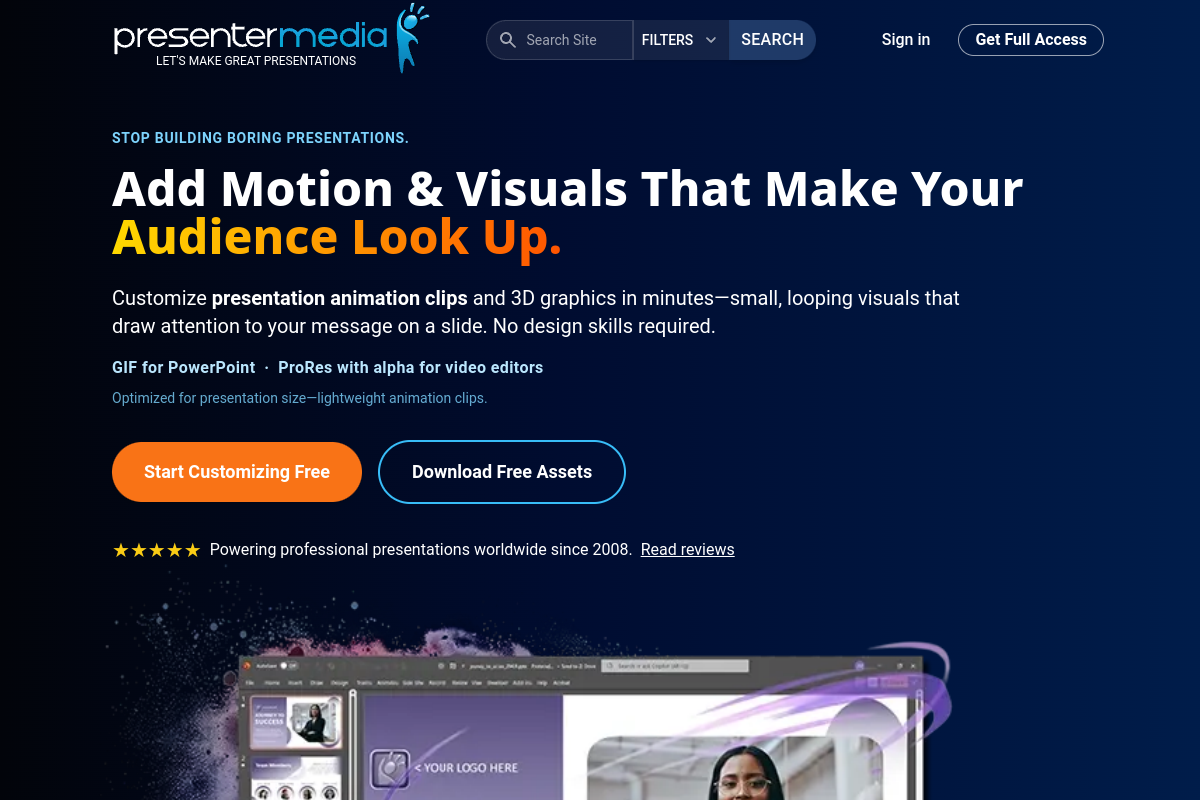
Live preview of Presentation Animation Clips & 3D Graphics's website.
Frequently asked questions
Community Reviews & Discussion
0 reviews · replies are moderated before they appear.
- No reviews yet — be the first to review Presentation Animation Clips & 3D Graphics.