
Novastart
VerifiedNovastart is an infinite-canvas operating system that replaces separate desktop windows with one shared, zoomable workspace. Apps like Gmail, Excel, WhatsApp and Notion run as windows on the canvas, and users can save multiple canvases for different projects such as work, travel or research. It also lets people work alongside up to 10 AI agents that control their own mouse and keyboard to complete tasks, and lets teams share a single canvas in real time with individual cursors and chat. It suits individuals who want to organize multiple projects visually and teams who want to collaborate on shared apps without screen sharing.
Novastart at a glance
- What it is
- Novastart is an infinite-canvas operating system that replaces separate desktop windows with one shared, zoomable workspace.
- Who it's for
- Worth a look if projects involving Workflow Automation come up often in your week.
- Primary use case
- Novastart is an infinite-canvas whiteboard OS.
- CategoryAutomation & Productivity
- PricingFree Tier
- Starting price$10/month
- Credit cardNo credit card required
- Bring your own keyNot supported
- RatingNo reviews yet. Be the first to rate.
Video Spot
Overview
Novastart is an infinite-canvas operating system that replaces separate desktop windows with one shared, zoomable workspace. Apps like Gmail, Excel, WhatsApp and Notion run as windows on the canvas, and users can save multiple canvases for different projects such as work, travel or research. It also lets people work alongside up to 10 AI agents that control their own mouse and keyboard to complete tasks, and lets teams share a single canvas in real time with individual cursors and chat. It suits individuals who want to organize multiple projects visually and teams who want to collaborate on shared apps without screen sharing.
Novastart is an infinite-canvas whiteboard OS. Run apps, share canvases with your team, and put AI agents right on the canvas, so your whole workspace lives in one boundless space instead of separate windows.
Pricing is freemium: a free plan, Pro at $10/month, and Team at $20/month per user.
In detail
Novastart is an infinite-canvas operating system that turns the traditional desktop into a zoomable, boundless whiteboard. Instead of separate windows scattered across a screen, every app opens as a window placed on a canvas, and users can create multiple canvases for different areas of life or work, such as budgeting, travel planning, apartment searching or ongoing projects. Canvases and their windows are saved, so everything stays in place between sessions.
The tool is aimed at individuals who want a visual way to organize apps and projects, and at teams who want to work together without passing screenshots or screen-sharing links. On the individual side, Novastart supports up to 10 AI agents working on the same canvas, each with its own mouse and keyboard. Agents can be given a task, split it into sub-tasks, and report back into a shared chat, while the user can pause, correct, or take back control of any window at any time.
For teams, Novastart replaces screen sharing with canvas sharing: multiple people can be on the same canvas at once, each with their own colored cursor, each able to click and type in windows that run on a teammate's machine. Teammates can hide windows, chat from each other's avatars, and switch between canvases shared with different groups. AI agents can also appear on a shared canvas, visible to teammates and labeled by owner.
What differentiates Novastart is the combination of these three elements, infinite canvas, embedded AI agents, and live multi-user collaboration, into a single operating system rather than separate apps. All apps, including common services like Gmail, Excel, WhatsApp and Notion, plus bundled browser access and office/Linux apps, are available across every plan.
Pricing is freemium. The Free plan limits users to one folder, two canvases and four windows per canvas. Pro, at $10 per month, and Team, at $20 per month per user, remove those limits, with Team adding live collaboration. AI agent use is billed separately on every plan at $0.02 per use, drawn from purchased credits starting at $25.
Common uses
- Organizing separate canvases for work, travel, apartment searching or personal finances
- Running multiple AI agents in parallel to research and assemble a plan, such as a trip itinerary
- Collaborating with a team on shared apps and documents without screen sharing
- Keeping a saved, persistent workspace where apps and tabs stay exactly as left between sessions
- Working across many apps (email, spreadsheets, messaging, notes) within one visual space
Pros
- Free plan available to try the core canvas and agent features
- Combines app access, AI agents and team collaboration in one workspace instead of separate tools
- Agents can be paused or corrected mid-task rather than requiring a restart
- Team plan allows true shared control of a canvas rather than just screen viewing
- Canvases and window layouts are saved automatically
Cons
- Free plan is limited to one folder, two canvases and four windows per canvas
- AI agent usage is billed separately per use on top of the monthly subscription
- Team collaboration is only included on the paid Team plan, not Free or Pro
- No stated API or developer integration details beyond a general developer documentation link
Generated from the listing's details and not yet checked by a Zoipi editor.
Key Features
- Infinite canvas: a zoomable, boundless workspace where every app opens as a window with a saved position
- Saved canvases: multiple canvases can be created and saved for different projects or areas of life
- AI agents: up to 10 agents can work on the canvas with their own mouse and keyboard, pausable and correctable mid-task
- Team collaboration: multiple people can share one canvas with individual cursors, live window control and chat
- Broad app access: built-in access to apps like Gmail, Excel, WhatsApp and Notion, plus bundled Chrome, ONLYOFFICE and Linux apps
- Folder organization: folders group canvases together, similar to folders holding files on a desktop
Best For
- People who want to spend less time on repetitive steps
- Creators exploring Workflow Automation
- Anyone testing the space without an upfront budget
Pricing Model
Free Tier. Generous ongoing free tier you can start with, no credit card needed. Paid plans unlock higher limits.
Pricing Breakdown
Screenshots
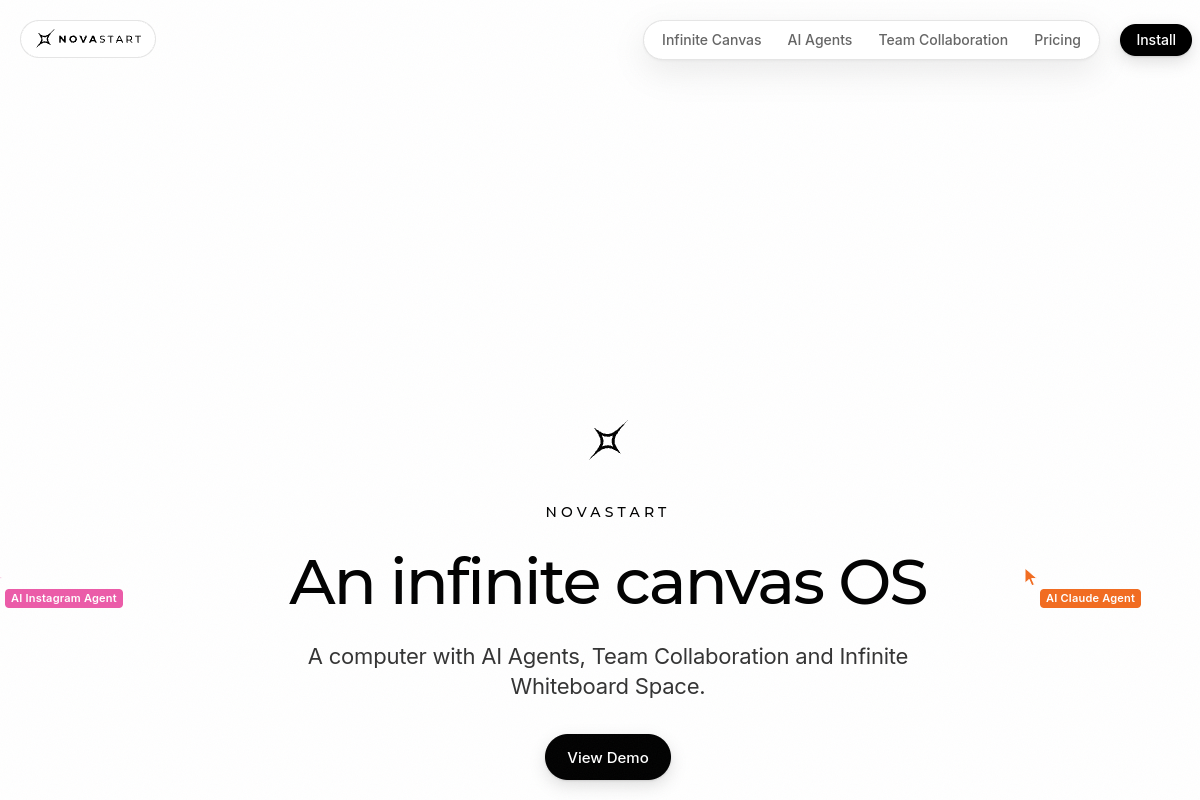
Live preview of Novastart's website.
Frequently asked questions
Community Reviews & Discussion
0 reviews · replies are moderated before they appear.
- No reviews yet — be the first to review Novastart.