Make
VerifiedVisual automation builder with serious branching power.
Make at a glance
- What it is
- Visual automation builder with serious branching power.
- Who it's for
- Most useful for anyone who needs results in the Workflow Automation area without a specialist on staff.
- Primary use case
- Make gives you a drag-and-drop canvas for complex, branching scenarios with error handling and far cheaper operation pricing than rivals.
- CategoryAutomation & Productivity, Autonomous AI Agents & Workflows
- PricingFree Tier
- Starting priceFree, paid plans available
- Credit cardNo credit card required
- Foundation modelMulti-model
- Bring your own keySupported
- RatingNo reviews yet. Be the first to rate.
Overview
Make gives you a drag-and-drop canvas for complex, branching scenarios with error handling and far cheaper operation pricing than rivals.
Pros
- Powerful visual builder
- Cheap operations
Cons
- Steeper learning curve
Key Features
- Powerful visual builder
- Cheap operations
Best For
- Solo builders and small teams looking for a focused workflow
- Teams focused on Workflow Automation
- Anyone testing the space without an upfront budget
- Buyers who want a highly rated, well-established option
Pricing Model
Free Tier. Generous ongoing free tier you can start with, no credit card needed. Paid plans unlock higher limits.
Pricing Breakdown
Starting price
Free, paid plans available
Free trial / credits
Ongoing free tier, no time limit
Credit card
No credit card required
Free Tier (No CC)
Screenshots
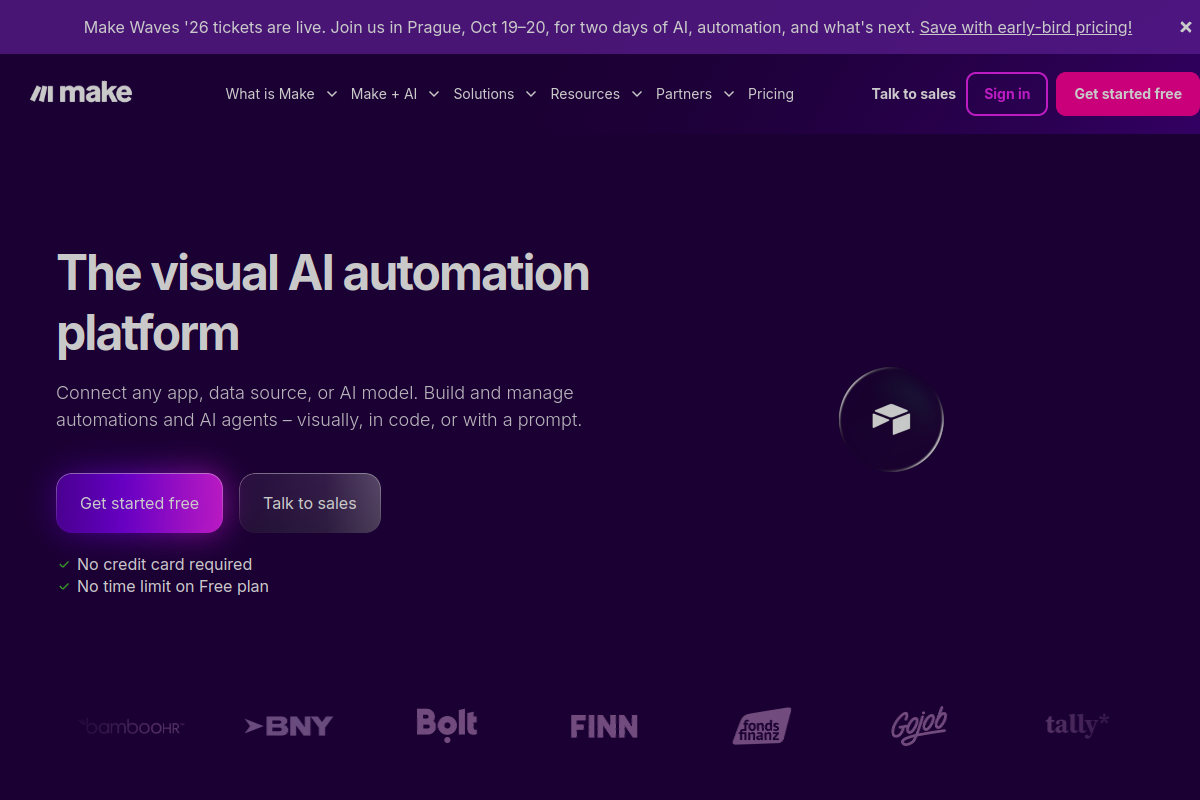
Live preview of Make's website.
Frequently asked questions
Visual automation builder with serious branching power. It is listed under Automation & Productivity on ZOIPI AI.
Community Reviews & Discussion
0 reviews · replies are moderated before they appear.
- No reviews yet — be the first to review Make.