JPG2Excel
VerifiedConvert tables in JPG and PNG images into editable Excel files.
JPG2Excel at a glance
- What it is
- Convert tables in JPG and PNG images into editable Excel files.
- Who it's for
- Worth a look if projects involving Computer Vision & OCR AI come up often in your week.
- Primary use case
- JPG2Excel helps students, researchers, office teams, and small businesses turn image-based tables into editable Excel workbooks.
- CategoryComputer Vision & OCR AI
- PricingFree Tier
- Starting priceFree, paid plans available
- Credit cardNo credit card required
- Foundation modelOpen-Source
- Bring your own keyNot supported
- Rating5.0 / 5 (1 review)
Video Spot
Overview
JPG2Excel helps students, researchers, office teams, and small businesses turn image-based tables into editable Excel workbooks. Upload a JPG or PNG containing a table, and the service extracts the structured rows and columns so the result can be reviewed, edited, and reused. It is useful for digitizing screenshots, scanned reports, receipts, and other table images without retyping the data manually. Visit JPG2Excel at https://jpg2excel.app to convert image tables into workable spreadsheets.
Pros
- Actively developed and widely used
Cons
- Feature set changes quickly
In detail
JPG2Excel converts tables in JPG and PNG images into editable Excel files. In the Computer Vision & OCR AI category, it helps turn table content captured as an image into spreadsheet data that users can update and work with, rather than retyping it manually.
The tool is useful for anyone who receives tabular information as screenshots or image files and needs it in Excel. Its focused purpose suits students, office staff, and analysts moving image-based tables into a format they can use for calculations, sorting, and further review.
Common uses
- Convert screenshots of tables into editable spreadsheets.
- Move tables from JPG images into Excel for calculations.
- Extract tabular information from PNG files for sorting.
- Prepare image-based tables for spreadsheet review.
- Reduce manual retyping when transferring tables into Excel.
Pros
- Supports both JPG and PNG table images.
- Produces editable Excel files.
- Offers a focused image-to-spreadsheet workflow.
- Can reduce manual data entry.
Cons
- Extraction quality may depend on image clarity and table layout.
- Converted data may need checking before use.
- Support for formats beyond JPG and PNG is not specified.
Generated from the listing's details and not yet checked by a Zoipi editor.
Key Features
- Convert tables in JPG and PNG images into editable Excel files
- JPG2Excel helps students, researchers, office teams, and small businesses turn image-based tables into editable Excel workbooks
- Upload a JPG or PNG containing a table, and the service extracts the structured rows and columns so the result can be reviewed, edited, and reused
Best For
- Anyone replacing a manual computer vision & ocr ai process with something faster
- Anyone testing the space without an upfront budget
- Buyers who want a highly rated, well-established option
Pricing Model
Free Tier. Generous ongoing free tier you can start with, no credit card needed. Paid plans unlock higher limits.
Pricing Breakdown
Screenshots
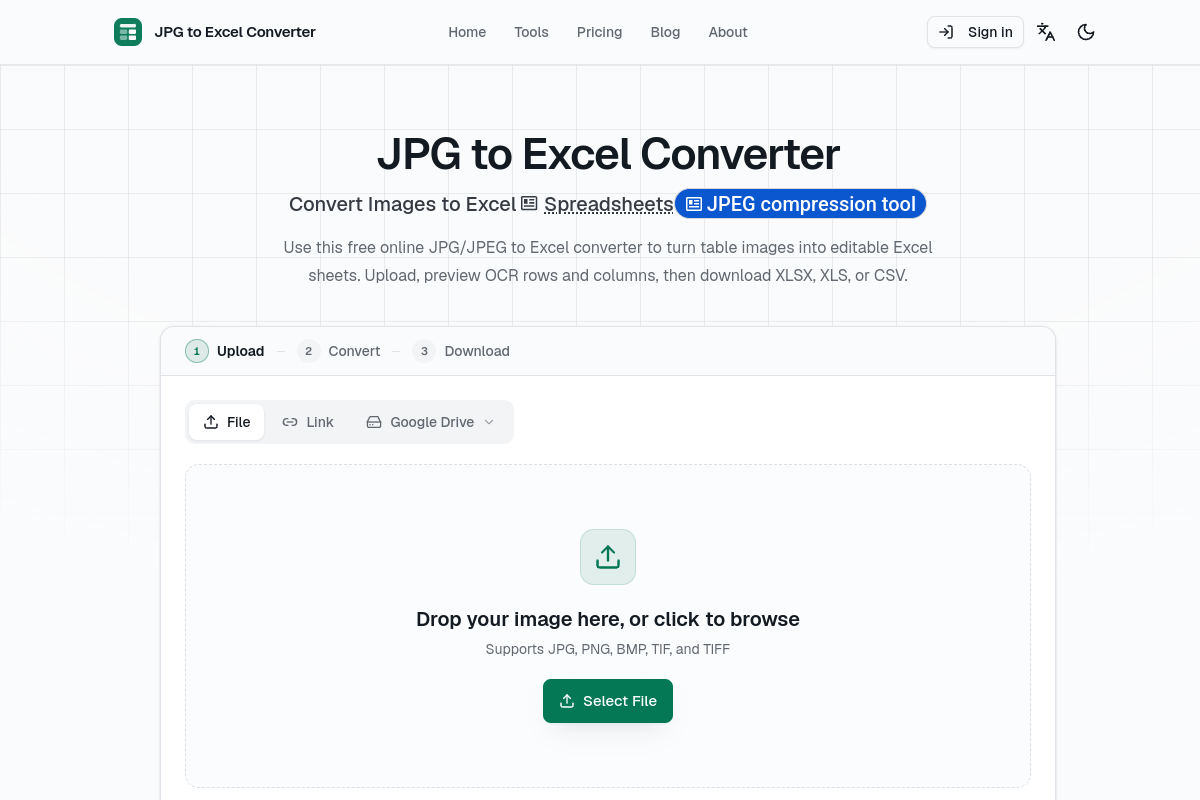
Live preview of JPG2Excel's website.
Frequently asked questions
Community Reviews & Discussion
1 review · replies are moderated before they appear.
- Aadmin8/20/2026
Welcome to Zoipi freind!