
Image to Calendar
VerifiedImage to Calendar is an AI-powered converter designed to transform schedule photos, screenshots, flyers, and PDF documents into editable calendar events. Users can upload files in JPG, PNG, WebP, or PDF formats to extract key event details such as titles, dates, times, timezones, locations, and recurring rules. Before exporting, the tool provides an interface to review and edit the extracted information, complete with confidence scores and accuracy warnings. Once verified, users can download a single standard ICS file that is compatible with major calendar applications like Google Calendar, Apple Calendar, and Outlook. It is built for students, professionals, sports teams, and anyone needing to digitize printed or image-based schedules without manual data entry.
Image to Calendar at a glance
- What it is
- Image to Calendar is an AI-powered converter designed to transform schedule photos, screenshots, flyers, and PDF documents into editable calendar events.
- Who it's for
- Most useful for anyone who needs results in the AI Daily Planners & Calendar Sync area without a specialist on staff.
- Primary use case
- Image to Calendar is an AI converter that turns schedule photos, screenshots, flyers, and PDFs into editable calendar events.
- CategoryAI Daily Planners & Calendar Sync
- PricingFree Tier
- Starting price$9.90
- Credit cardNo credit card required
- Bring your own keyNot supported
- RatingNo reviews yet. Be the first to rate.
Video Spot
Overview
Image to Calendar is an AI-powered converter designed to transform schedule photos, screenshots, flyers, and PDF documents into editable calendar events. Users can upload files in JPG, PNG, WebP, or PDF formats to extract key event details such as titles, dates, times, timezones, locations, and recurring rules. Before exporting, the tool provides an interface to review and edit the extracted information, complete with confidence scores and accuracy warnings. Once verified, users can download a single standard ICS file that is compatible with major calendar applications like Google Calendar, Apple Calendar, and Outlook. It is built for students, professionals, sports teams, and anyone needing to digitize printed or image-based schedules without manual data entry.
Image to Calendar is an AI converter that turns schedule photos, screenshots, flyers, and PDFs into editable calendar events. Upload JPG, PNG, WebP, or PDF, review titles, dates, times, timezones, locations, and repeat rules, then download one standard ICS file for Google Calendar, Apple Calendar, Outlook, and other calendar apps.
In detail
Image to Calendar is an AI conversion tool that extracts event information from images and documents, turning them into standard calendar files. It is designed for students, employees, sports teams, and event attendees who frequently receive schedules in non-digital or non-calendar formats, such as printed flyers, screenshots, or PDF syllabi. By automating the data entry process, it allows users to quickly digitize complex timetables, shift rosters, and event itineraries without having to type out every individual date and time.
The tool works by processing uploaded files directly through the browser interface. It accepts JPG, PNG, and WebP images up to 10 MiB, as well as PDF documents up to 12 MiB and 10 pages in length. Once a file is uploaded, the AI extracts relevant event details, including titles, start and end times, dates, locations, timezones, and repeat rules. A single conversion can identify and organize up to 100 distinct events from one uploaded schedule. The processing is handled via AIHubMix, and the application does not permanently store the uploaded files or the extracted data, ensuring that schedules remain private after the session ends.
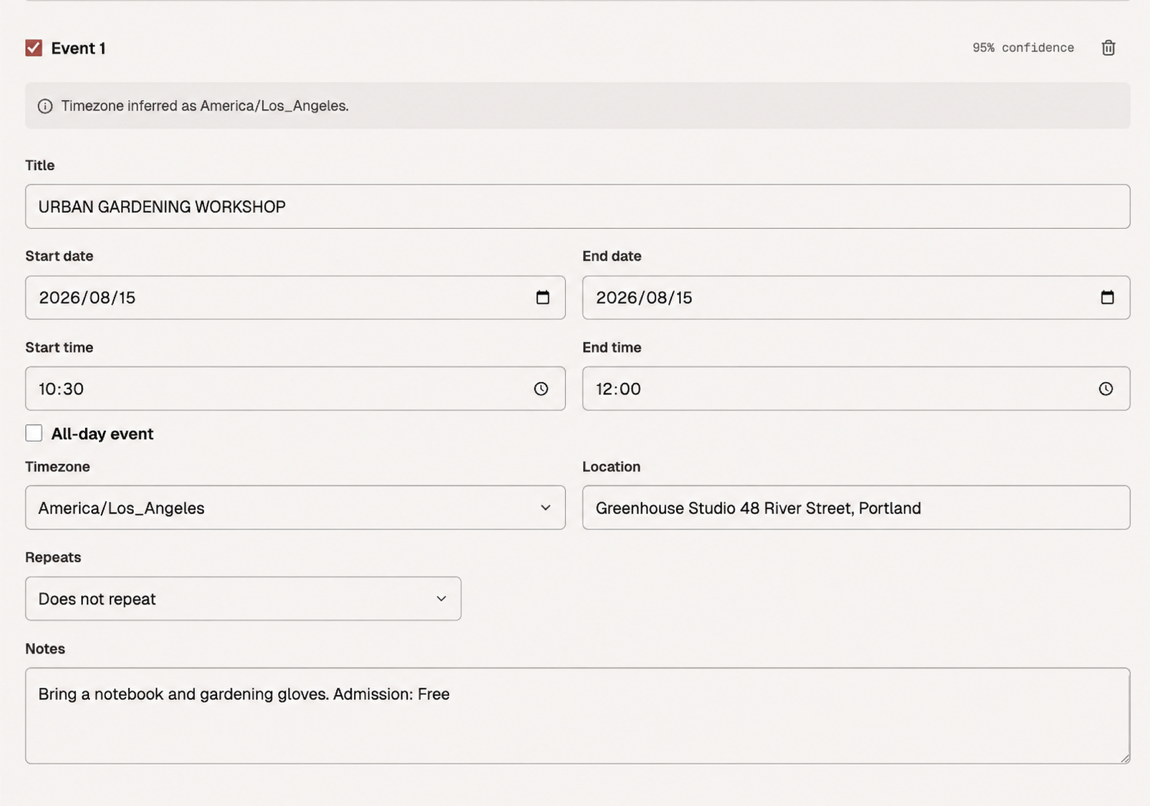
What sets Image to Calendar apart is its emphasis on user review and accuracy. Rather than automatically syncing events directly to a user's calendar account, the platform generates an editable interface where users can verify the extracted data. Each event includes a confidence score and potential warnings, allowing users to correct any misread dates, times, or timezone settings before finalizing the export. After the review is complete, the tool generates a single standard ICS file that can be manually imported into Google Calendar, Apple Calendar, Outlook, or any other iCalendar-compatible application.
Common uses
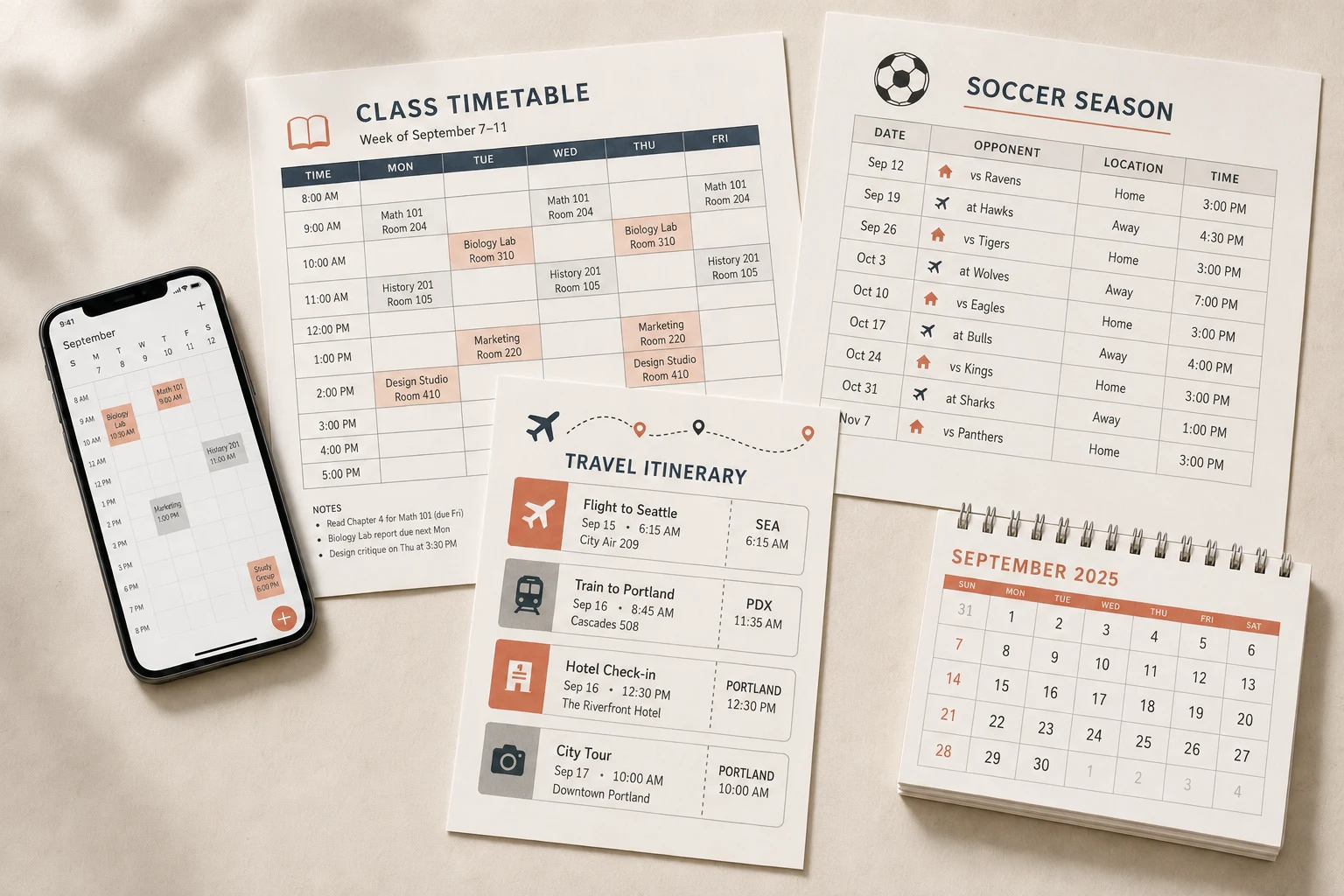
- Digitizing school and class schedules from printed timetables or PDF syllabi.
- Converting sports and team calendars into importable digital events.
- Extracting shifts and rotating rosters from work schedule photos.
- Pulling dates and times from event flyers, posters, and conference agendas.
Pros
- Does not require direct access or sign-in to personal calendar accounts.
- Includes an editable review step to catch and correct AI extraction errors before saving.
- Supports recurring events, useful for semester-long classes or weekly shifts.
- Failed conversions do not consume paid credits.
Cons
- Strict file limits, capping PDFs at 10 pages and 12 MiB.
- Cannot automatically sync events; requires manual import of the downloaded ICS file.
- Limited free usage, offering only up to two free conversions total before requiring payment.
Generated from the listing's details and not yet checked by a Zoipi editor.
Key Features
- Format support: Accepts JPG, PNG, WebP images (up to 10 MiB) and PDFs (up to 12 MiB and 10 pages).
- Editable review interface: Allows users to check and modify titles, dates, times, locations, and repeat rules before exporting.
- Confidence scores: Provides accuracy warnings and confidence ratings for extracted event details.
- ICS file export: Generates a standard ICS file compatible with Google Calendar, Apple Calendar, and Outlook.
- High event capacity: Extracts up to 100 individual events from a single uploaded file.
- Timezone and recurrence handling: Identifies timezone hints and configures daily, weekly, or monthly repeat patterns.
- No permanent storage: Uploads are processed in memory and are not permanently stored by the application.
Best For
- Anyone replacing a manual ai daily planners & calendar sync process with something faster
- Anyone testing the space without an upfront budget
Pricing Model
Free Tier. Generous ongoing free tier you can start with, no credit card needed. Paid plans unlock higher limits.
Pricing Breakdown
Screenshots
Live preview of Image to Calendar's website.
Frequently asked questions
Community Reviews & Discussion
0 reviews · replies are moderated before they appear.
- No reviews yet — be the first to review Image to Calendar.