Sourcegraph Cody
VerifiedSourcegraph Cody is an AI coding assistant built on Sourcegraph's code intelligence platform. It helps developers understand, write, and fix code by pulling context from entire codebases, including large monorepos, using Sourcegraph's Search API. Cody is available as extensions for VS Code, JetBrains, and Visual Studio, as a web app, and via CLI. It connects with code hosts like GitHub and GitLab. Cody is aimed at developers and engineering teams working with large, complex codebases who need an assistant that understands their full repository context rather than just the open file. Enterprise support is available through Sourcegraph Enterprise plans.
Sourcegraph Cody at a glance
- What it is
- Sourcegraph Cody is an AI coding assistant built on Sourcegraph's code intelligence platform.
- Who it's for
- A good fit for users working with Code Explainers who want to cut the manual steps.
- Primary use case
- Cody uses Sourcegraph code search to answer questions across entire monorepos, which is where general chatbots usually fall over.
- CategoryCode & App Builders
- PricingFree Tier
- Starting priceFree, paid plans available
- Credit cardNo credit card required
- Foundation modelMulti-model
- Bring your own keySupported
- RatingNo reviews yet. Be the first to rate.
Video Spot
Overview
Sourcegraph Cody is an AI coding assistant built on Sourcegraph's code intelligence platform. It helps developers understand, write, and fix code by pulling context from entire codebases, including large monorepos, using Sourcegraph's Search API. Cody is available as extensions for VS Code, JetBrains, and Visual Studio, as a web app, and via CLI. It connects with code hosts like GitHub and GitLab. Cody is aimed at developers and engineering teams working with large, complex codebases who need an assistant that understands their full repository context rather than just the open file. Enterprise support is available through Sourcegraph Enterprise plans.
Cody uses Sourcegraph code search to answer questions across entire monorepos, which is where general chatbots usually fall over.
In detail
Sourcegraph Cody is an AI coding assistant designed to help developers understand, write, and fix code across large and complex codebases. Unlike general chatbots, Cody uses Sourcegraph's Search API to pull context from both local and remote repositories, including entire monorepos, so it can answer questions about APIs, symbols, and usage patterns across an entire codebase rather than just the currently open file.
Cody is intended for developers and engineering teams, particularly those working in large enterprise environments where codebases span many repositories and services. It integrates with code hosts like GitHub and GitLab, and is available through extensions for VS Code, JetBrains, and Visual Studio, as well as a web app and a CLI. Enterprise customers can also access Cody through Sourcegraph Enterprise.
In practice, Cody works by combining large language models with Sourcegraph's code search and context retrieval. Developers can chat with Cody to ask questions about code, generate new code, or edit existing code, using the @ symbol to pull in specific files, symbols, or remote repositories as additional context. It also offers auto-edit suggestions based on cursor movement and typing, premade and customizable prompts to automate common tasks, and debugging support to help identify and fix errors faster. Context filters let teams exclude specific repositories from chat and autocomplete results, giving control over what context is used.
What differentiates Cody from many coding assistants is its reliance on Sourcegraph's advanced search infrastructure to gather deep, cross-repository context, which is particularly useful in large enterprise codebases where typical chatbots struggle. It is also compatible with other Sourcegraph products like Code Search, letting users jump from a search query directly into a Cody chat about that code.
On data handling, Sourcegraph states that it collects prompts, responses, and usage data to provide and improve the service, but does not use this data to train models for individuals using Cody via Sourcegraph.com. Pricing for the broader Sourcegraph platform includes an Enterprise plan starting at $16K as a minimum annual contract, which includes credits for AI features and scales with team size; Cody itself is also offered for free with paid plans available according to the Zoipi listing.
Common uses
- Understanding unfamiliar or large codebases by asking Cody questions about code and architecture
- Generating and editing code directly from chat within an IDE
- Debugging and fixing errors faster with AI-assisted suggestions
- Automating repetitive coding tasks using customizable prompts
- Navigating and getting context on APIs, symbols, and usage patterns across an entire monorepo
- Managing what repositories are used as context via Context Filters
Pros
- Pulls context from entire codebases, including monorepos, rather than just the open file
- Works across multiple IDEs (VS Code, JetBrains, Visual Studio) plus web and CLI access
- Integrates with major code hosts like GitHub and GitLab
- Includes debugging assistance alongside chat and code generation
- States that individual user data via Sourcegraph.com is not used to train models
Cons
- Full enterprise capabilities require a Sourcegraph Enterprise plan starting at $16K per year
- Pricing details for individual/free Cody usage are not specified beyond being free with paid plans available
- Some features, like single-tenant cloud and premium support, are tied to higher-tier plans
Generated from the listing's details and not yet checked by a Zoipi editor.
Key Features
- Developer chat: Ask questions, generate, and edit code with context from your open file and repository
- Auto-edit: Suggests code changes based on cursor movement and recent typing
- Prompts: Premade and customizable prompts to automate common coding tasks and share with teams
- Context from codebase search: Uses Sourcegraph's Search API to pull context from local and remote repositories
- Debugging support: Helps identify and fix errors, accelerating the debugging process
- Context Filters: Lets you exclude selected repositories from chat and autocomplete results
- Multi-IDE support: Available for VS Code, JetBrains, Visual Studio, web app, and CLI
Best For
- Specialists looking for a dedicated tool rather than a general assistant
- Creators exploring Code Explainers
- Anyone testing the space without an upfront budget
Pricing Model
Free Tier. Generous ongoing free tier you can start with, no credit card needed. Paid plans unlock higher limits.
Pricing Breakdown
Screenshots
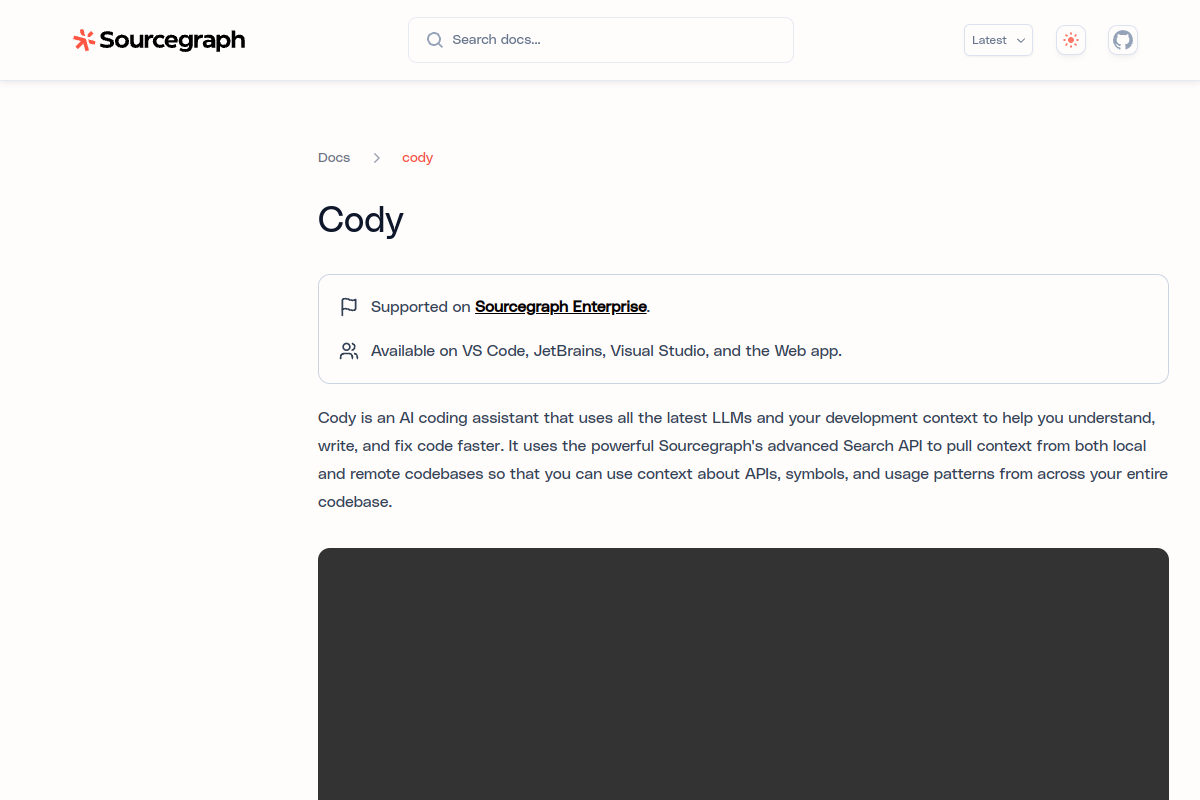
Live preview of Sourcegraph Cody's website.
Frequently asked questions
Community Reviews & Discussion
0 reviews · replies are moderated before they appear.
- No reviews yet — be the first to review Sourcegraph Cody.