Buffer AI Assistant
VerifiedBuffer is a social media management platform that helps individuals, small businesses, agencies, and teams create, schedule, and publish content across multiple social networks from one workspace. It includes an AI Assistant that helps brainstorm ideas, rewrite content, and craft platform-specific posts from a single idea. Buffer also offers analytics, a community inbox for replying to comments, and collaboration tools for teams. It connects to networks including Instagram, Facebook, TikTok, LinkedIn, X, YouTube, Threads, Pinterest, Google Business Profile, Bluesky, Mastodon, and Substack. Buffer is suited for creators, small businesses, agencies, nonprofits, higher education, and developers who want to streamline social media publishing and content repurposing.
Buffer AI Assistant at a glance
- What it is
- Buffer is a social media management platform that helps individuals, small businesses, agencies, and teams create, schedule, and publish content across multiple social networks from one workspace.
- Who it's for
- A good fit for users working with Social Media Post Generators who want to cut the manual steps.
- Primary use case
- Buffer's assistant rewrites a single idea into channel-specific posts and schedules them in the same tool you already publish from.
- CategorySocial Media Post Generators
- PricingFree Tier
- Starting price$5/month
- Credit cardNo credit card required
- Foundation modelMulti-model
- Bring your own keyNot supported
- RatingNo reviews yet. Be the first to rate.
Video Spot
Overview
Buffer is a social media management platform that helps individuals, small businesses, agencies, and teams create, schedule, and publish content across multiple social networks from one workspace. It includes an AI Assistant that helps brainstorm ideas, rewrite content, and craft platform-specific posts from a single idea. Buffer also offers analytics, a community inbox for replying to comments, and collaboration tools for teams. It connects to networks including Instagram, Facebook, TikTok, LinkedIn, X, YouTube, Threads, Pinterest, Google Business Profile, Bluesky, Mastodon, and Substack. Buffer is suited for creators, small businesses, agencies, nonprofits, higher education, and developers who want to streamline social media publishing and content repurposing.
Buffer's assistant rewrites a single idea into channel-specific posts and schedules them in the same tool you already publish from.
In detail
Buffer is a social media management tool built around three core activities: creating content, publishing it across platforms, and understanding how it performs. Its AI Assistant helps users brainstorm ideas, rewrite content, and turn a single idea into posts tailored for different social channels, which are then scheduled using Buffer's existing publishing tools.
Buffer is designed for a wide range of users, including solo creators, small businesses, agencies managing multiple clients, nonprofits, higher education institutions, and developers building on top of Buffer's API. The platform supports channels such as Instagram, Facebook, TikTok, LinkedIn, X, YouTube, Threads, Pinterest, Google Business Profile, Bluesky, Mastodon, and Substack.
Beyond content creation and scheduling, Buffer includes a community inbox for replying to comments across channels, an insights dashboard for analytics and reporting, and collaboration features that let teams plan, edit, and approve posts together. Buffer also offers an MCP integration and API, allowing users to connect Buffer to AI tools like Claude or ChatGPT to pull performance data, plan content, and send posts directly to the Buffer queue through conversation.
What sets Buffer apart is its per-channel pricing model, letting users pay only for the social channels they actually connect rather than a flat team fee, and its emphasis on simplicity for people managing social media without a large marketing team. Buffer also publishes transparent company metrics, including user counts and revenue, as part of its stated commitment to openness.
Overall, Buffer combines content creation, AI-assisted writing, scheduling, community engagement, and analytics into a single workspace, with flexible pricing that scales from individual creators on a free plan up to teams needing advanced collaboration and API access.
Common uses
- Repurposing a single content idea into posts tailored for multiple social networks
- Scheduling and publishing social media content in advance across several platforms
- Responding to audience comments across channels from a single inbox
- Reviewing analytics to see which posts perform best and inform future content
- Collaborating with a team on content creation, editing, and approval workflows
- Managing content for multiple client accounts as an agency
Pros
- Free forever plan available with no credit card required
- Per-channel pricing lets users pay only for the channels they connect
- Supports a wide range of social networks in one tool
- Includes AI Assistant and analytics even on paid entry-level plans
- Offers API and MCP access for connecting to AI tools and automation
Cons
- Free plan limits scheduled posts to 10 per channel and includes only 1 user account
- Advanced features like hashtag manager, first comment scheduling, and content approval workflows are limited to or absent from the free plan
- AI replies and saved replies are capped on the free plan
- Team collaboration features such as access levels and approval workflows require the higher-tier paid plan
Generated from the listing's details and not yet checked by a Zoipi editor.
Key Features
- AI Assistant: brainstorms ideas, rewrites content, and crafts platform-specific posts from a single idea
- Publish: schedules content across platforms including Instagram, Facebook, TikTok, LinkedIn, X, YouTube, Threads, Pinterest, Google Business Profile, Bluesky, Mastodon, and Substack
- Community inbox: reply to and triage comments from one dashboard across channels
- Insights: analytics and reporting to understand performance and what to post next
- Collaborate: team features for managing, editing, and approving posts
- MCP and API: connect Buffer to Claude, ChatGPT, or other automation tools to plan, draft, and analyze posts from a conversation
- Mobile app: manage social accounts from anywhere
Best For
- Solo builders and small teams handling social media post generators in-house
- Anyone testing the space without an upfront budget
Pricing Model
Free Tier. Generous ongoing free tier you can start with, no credit card needed. Paid plans unlock higher limits.
Pricing Breakdown
Screenshots
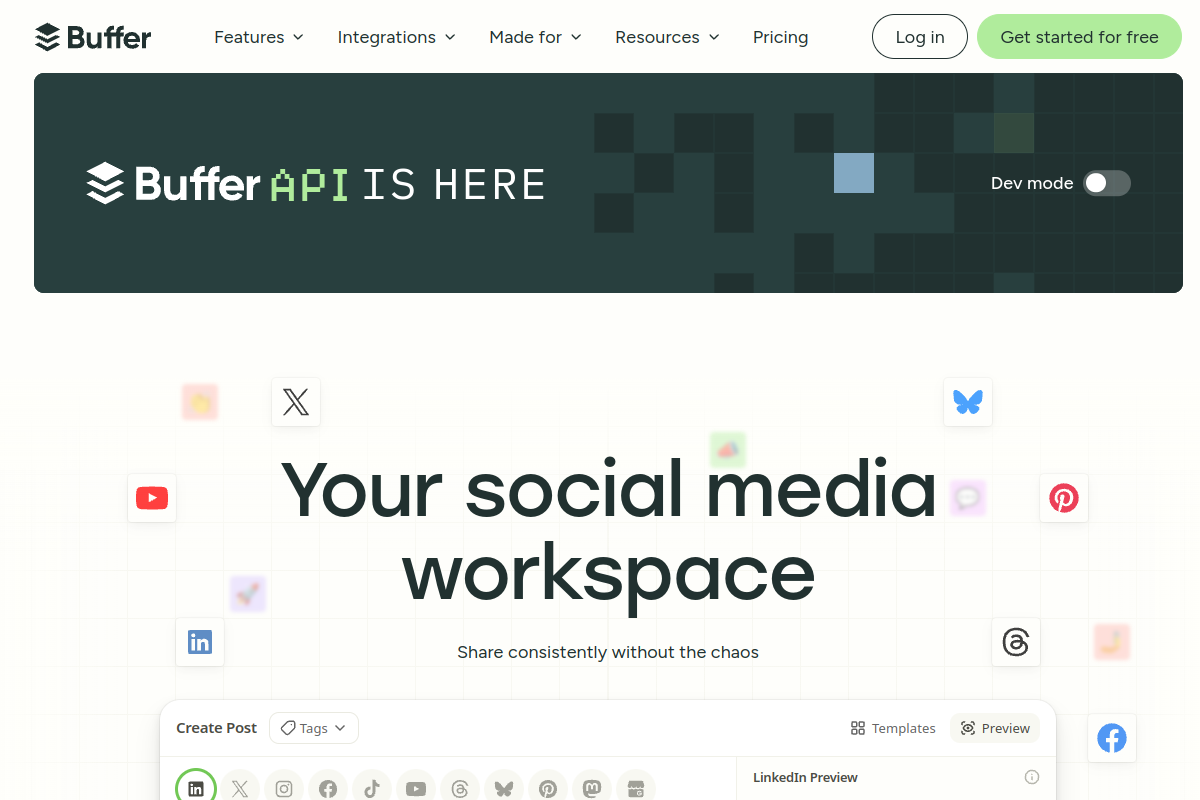
Live preview of Buffer AI Assistant's website.
Frequently asked questions
Community Reviews & Discussion
0 reviews · replies are moderated before they appear.
- No reviews yet — be the first to review Buffer AI Assistant.